

Cloud Storage
Save footage beyond local recorder limits with cloud options up to a year.
Technology
VideoSafes adds smart motion AI, cloud alerts, longer saved video, and one view across different camera brands without forcing a full replacement. Optional equipment is available only when a refresh helps.

Overview
The technology conversation starts with what is installed today: cameras, brands, storage limits, sites, and the people who need easier access.
Classify people, vehicles, and animals to help teams find the right footage faster.
Explore →
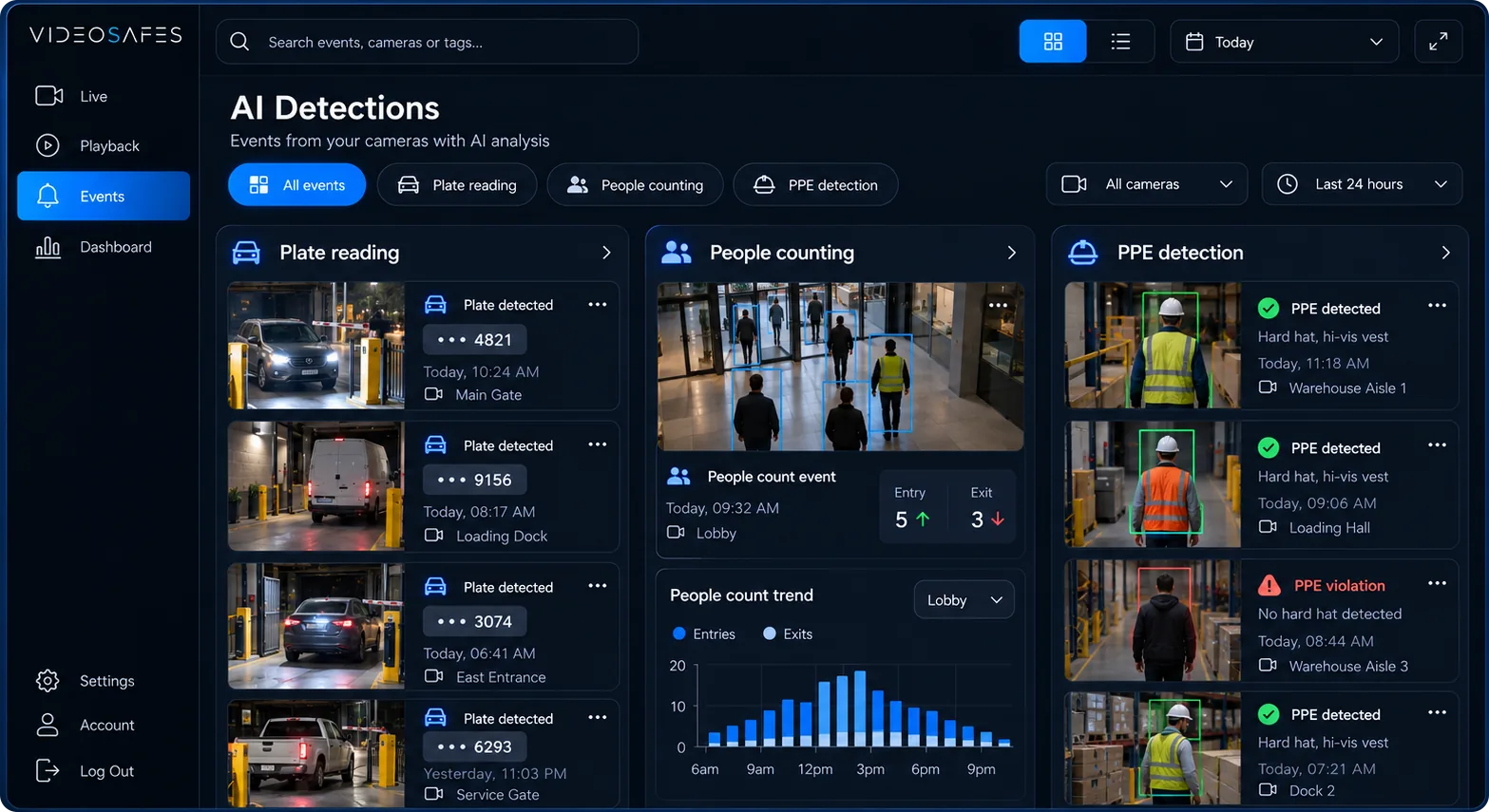
Add license plate recognition, people counting, or safety PPE detection where the site needs it.
Explore →
Review logins and video access so administrators can see who used the system.
Explore →
Save footage beyond local recorder limits with cloud options up to a year.
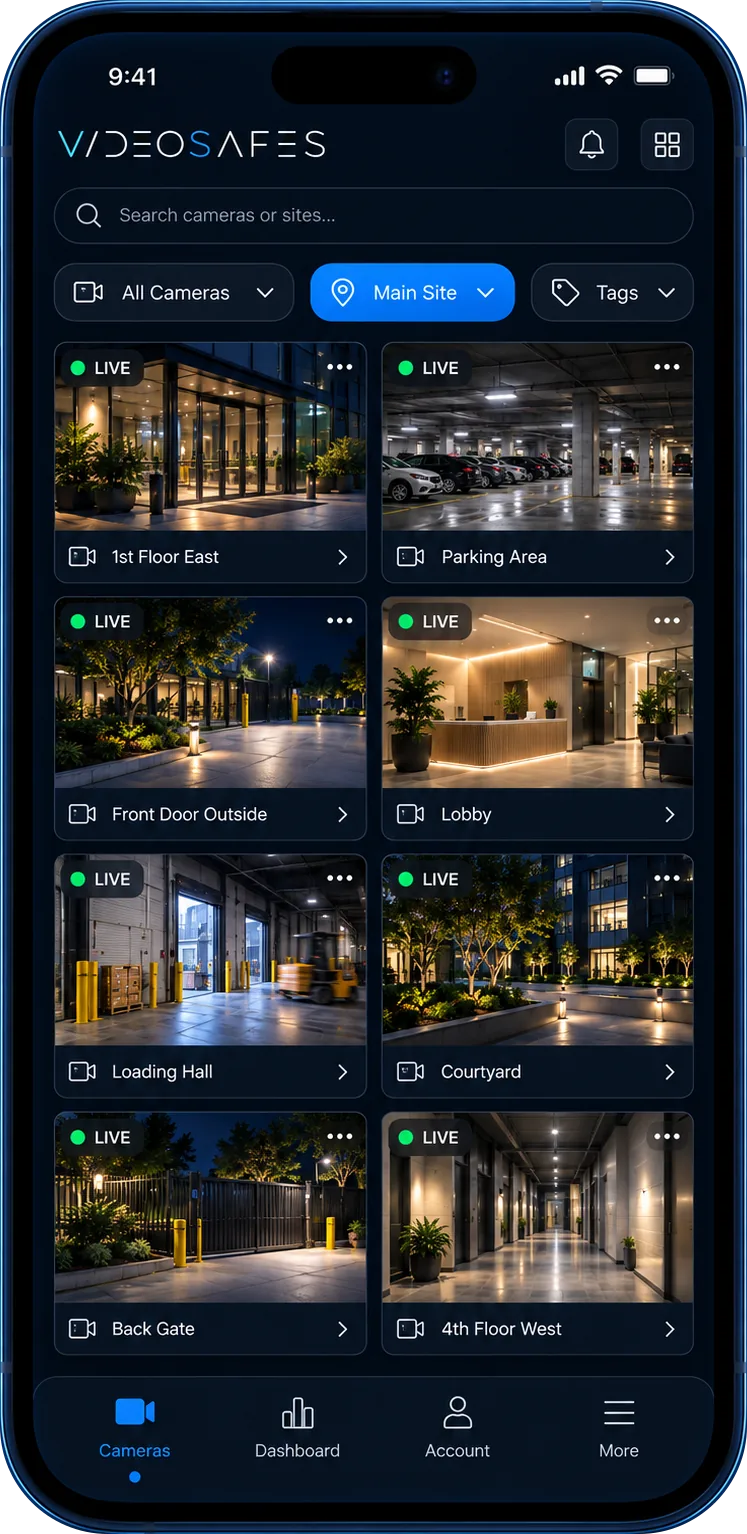
Bring different camera brands and systems into one VideoSafes platform.
How it fits
Assessment
Compatibility, saved-video needs, and camera brands should be confirmed for your actual sites before commitments are made.
Access
Different teams may need different levels of access across sites, cameras, and daily video tasks. Audit logs help administrators review logins and access activity.
Expansion
A phased plan helps teams prove the process before expanding across more locations.

Bring your camera brands, saved-video needs, locations, and access requirements to an online demo.