

Environment
Inventory what is installed and where.
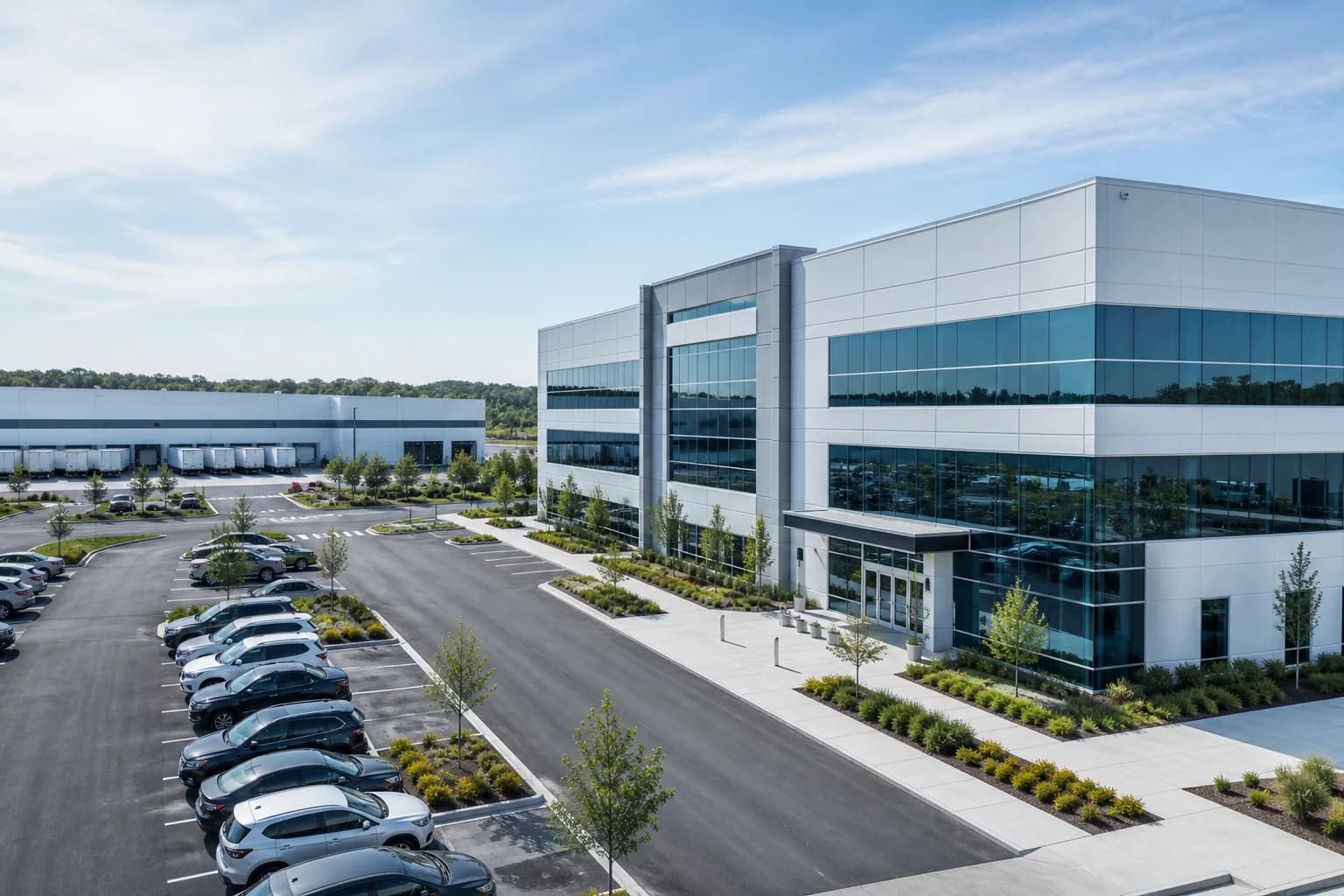
A clear location and camera list helps frame which cameras work, rollout, and day-to-day use.
- Locations and camera counts
- Current access methods
- Known connectivity issues
Evaluation Resources
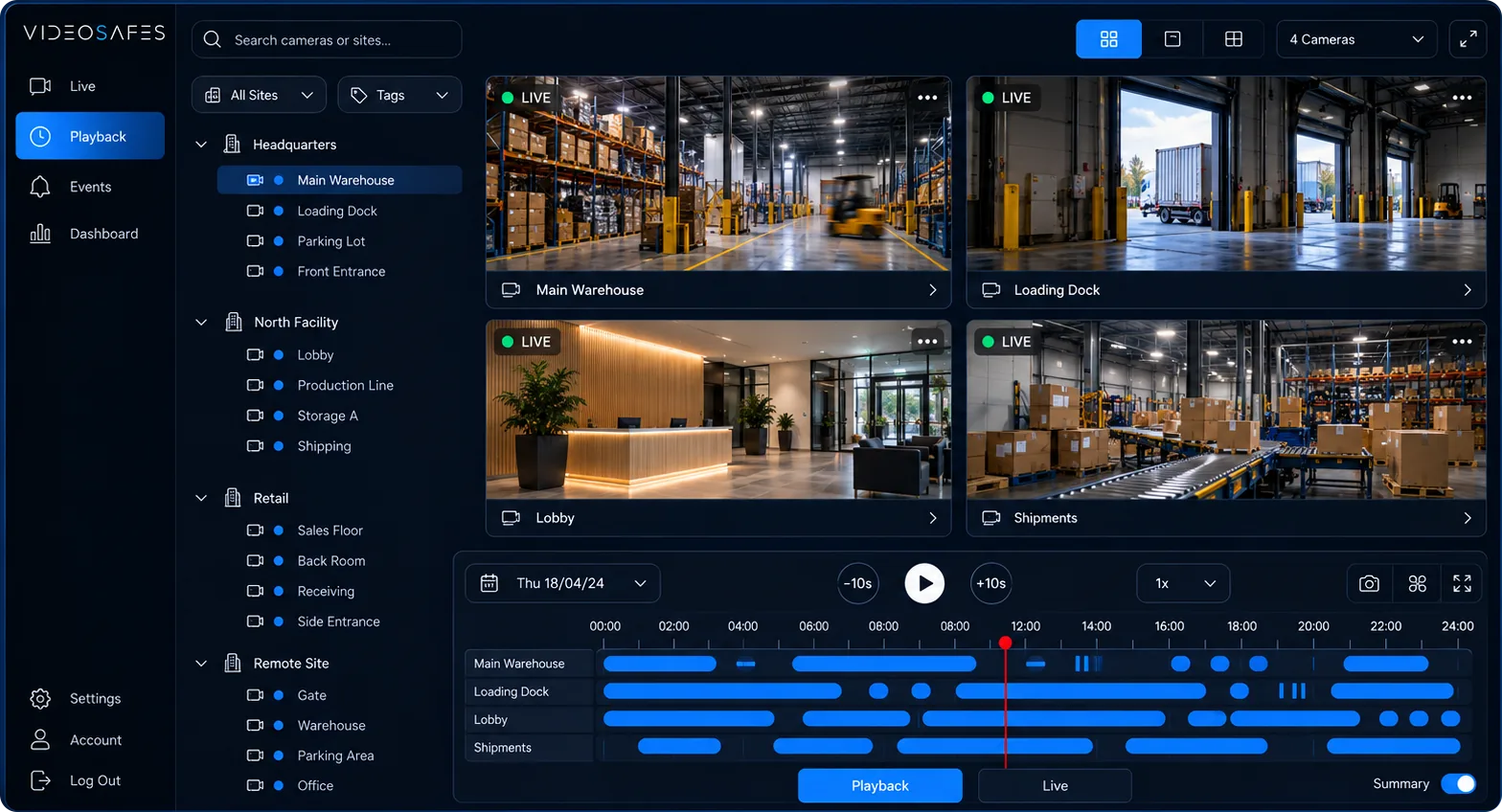
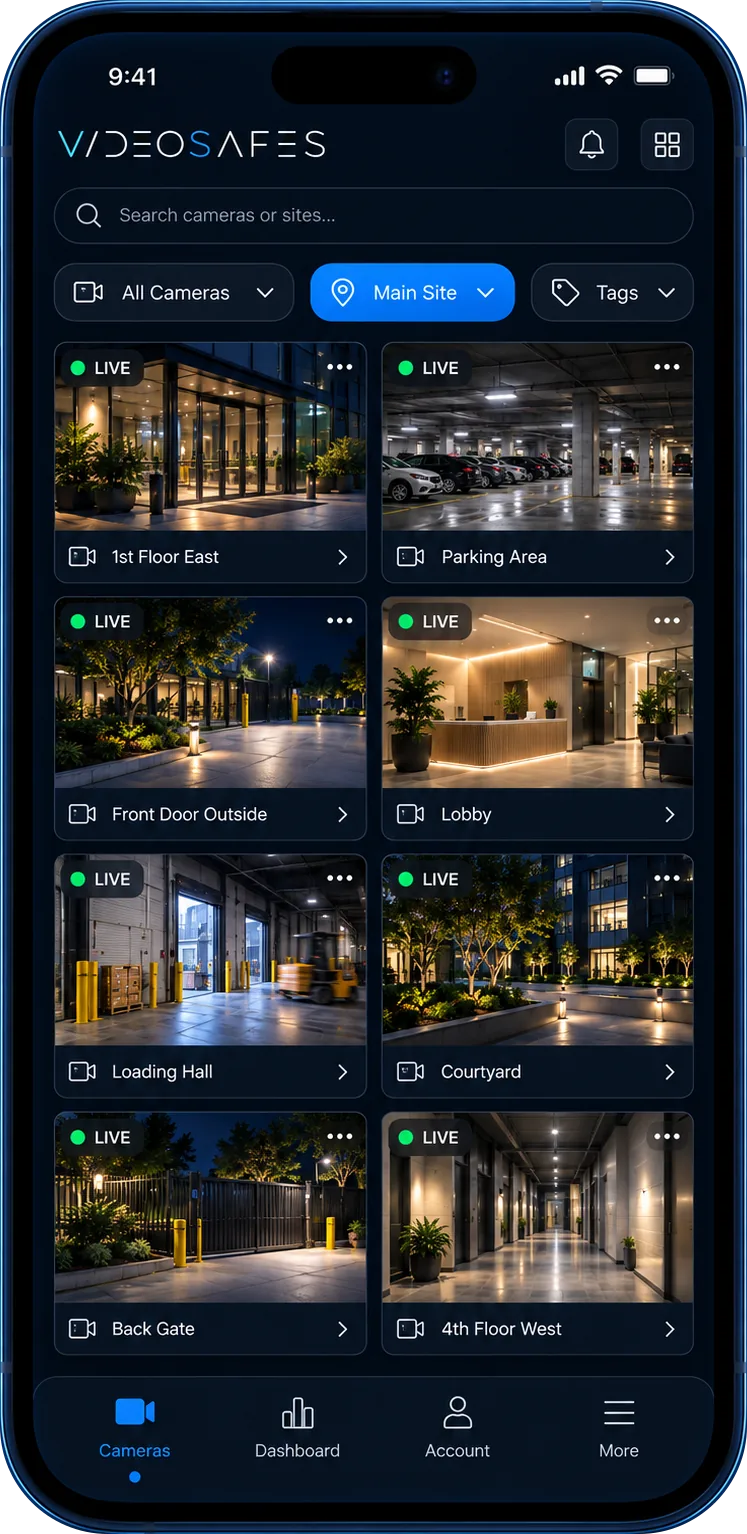
Use this page as a short checklist before an online demo: current cameras, users, locations, how people access video today, and how long footage needs to be saved.
Overview
The strongest evaluation starts with real site context. You do not need a perfect inventory, but a rough view of locations, brands, current processes, and pain points helps the online demo stay practical.
List locations, camera brands, network limits, and rollout priorities.
Explore →
Map how teams view live video, find footage, and respond to events today.
Explore →
Identify what should be consistent and what changes from site to site.
Explore →
Bring real questions and scenarios to an online demo focused on your organization.
Explore →
Decide which sites and cameras need longer saved video before you choose a plan.
Explore →
Estimate a VideoSafes plan from cameras, sites, saved-video needs, and recording style. Then attach the result to a demo request.
Explore →
See Standard, Professional, Portfolio, and Custom. Pricing is quoted for your sites instead of published as a flat rate card.
Explore →
Evaluate cloud video without assuming every camera must be replaced.
Explore →
How it fits
Environment
A clear location and camera list helps frame which cameras work, rollout, and day-to-day use.
People
Define the local, regional, and central teams that use video and what each group needs to do.
Outcomes
Focus the evaluation on practical outcomes such as easier access, clearer site status, and more consistent review.
FAQ
Use these answers while preparing stakeholders for an online VideoSafes demo.
Demos are live online sessions. We screen-share the VideoSafes platform and walk through your use cases. No site visit is required to evaluate product fit.
Bring a rough view of your locations, camera brands, who needs access, how teams review footage today, and any saved-video or incident-review needs you want to evaluate.
Most sessions focus on the tasks that matter to your team: live access, playback, incident review, saved-video planning, and multi-site navigation.
No. A practical estimate of sites, brands, and priority locations is enough to make the conversation useful. Exact counts can be refined later.
Yes. Tell us your industry and how your team uses video so the online demo can focus on the locations, roles, and review scenarios that matter most.
No. Online demos show the software. If a building later needs a small box to link its cameras, we help you choose the right equipment and plan it with you or your installer.

Book a live online VideoSafes demo and bring the locations, current processes, and questions you want to evaluate.