Many stores, many systems
District and regional teams often spend too much time finding the right site and camera when every location feels disconnected.
Retail
Help store managers, loss-prevention teams, and regional leaders reach the right camera faster across entrances, sales floors, stockrooms, and multiple stores.
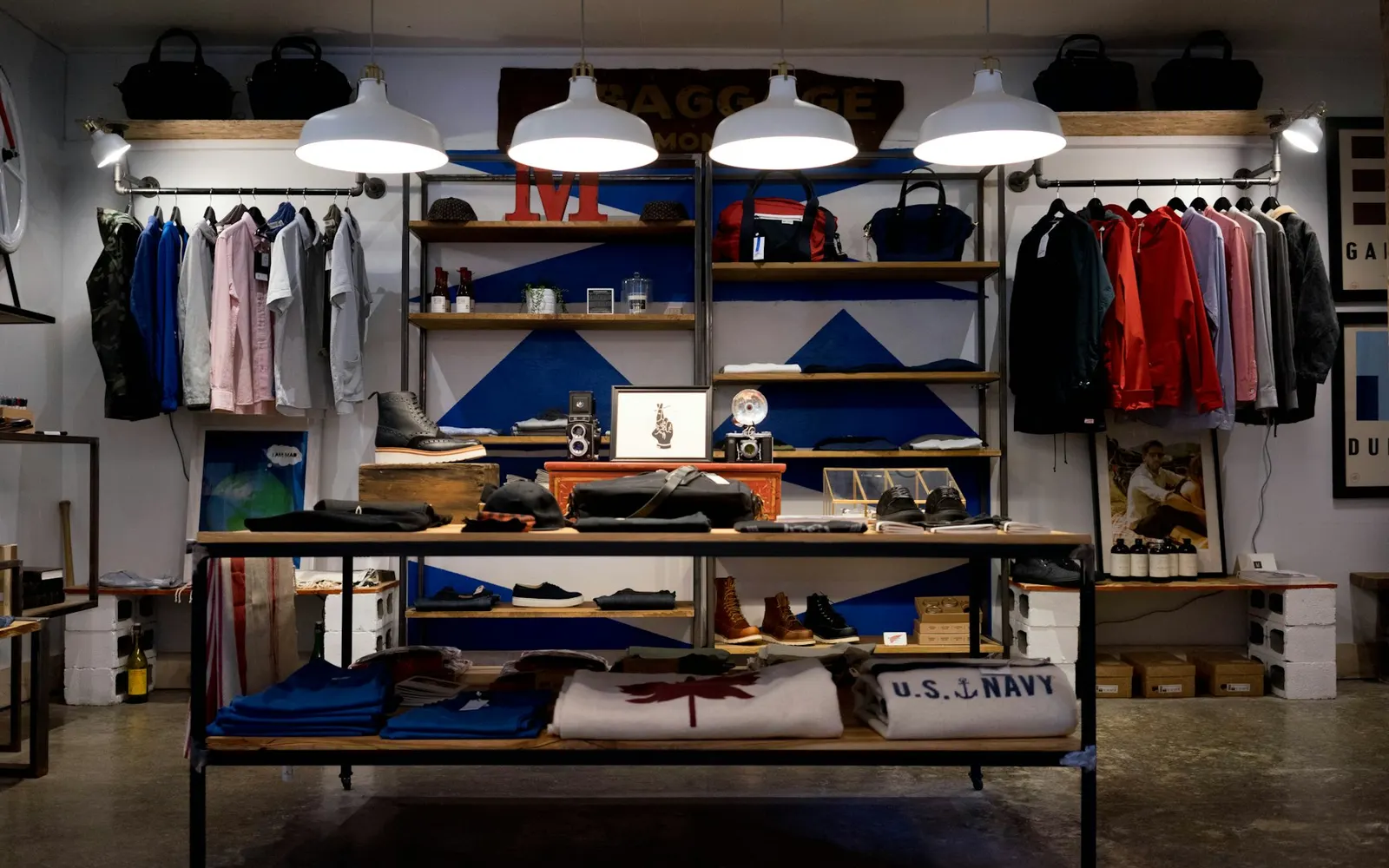
Industry overview
Retail teams need more than another camera login. Store managers, loss-prevention staff, and regional leaders need a faster path from all stores to the exact entrance, sales floor, or stockroom camera that matters.
VideoSafes helps multi-store organizations across New York and the metro area improve existing cameras with cloud alerts, longer saved video, and one desktop and mobile view across brands and sites.
What retail teams should evaluate
Problems we solve
District and regional teams often spend too much time finding the right site and camera when every location feels disconnected.
Shrinkage, customer incidents, and after-hours activity require a clearer path from the question to the footage.
Store managers, LP teams, and regional operators need practical access without creating a separate process for every role.
Use cases
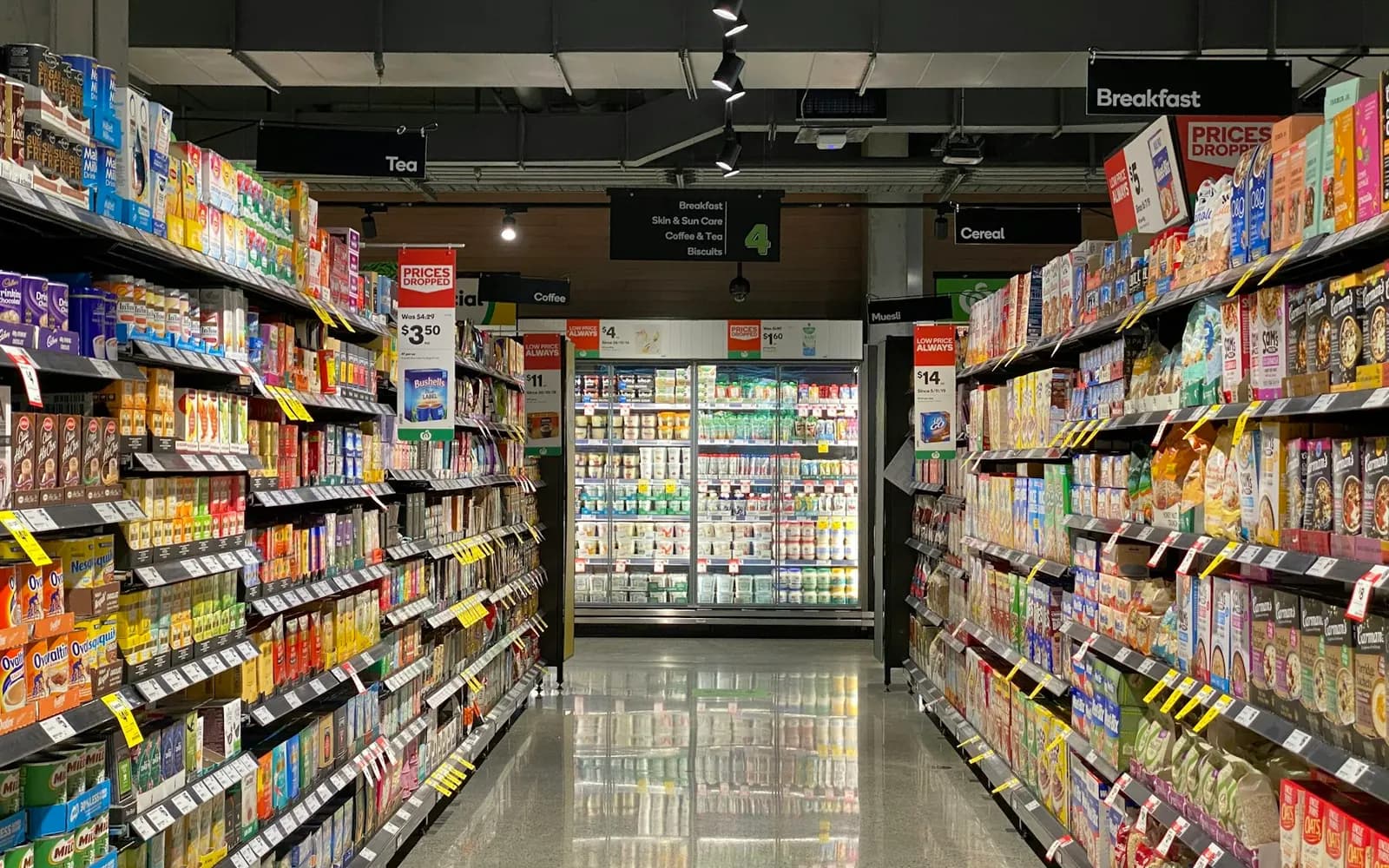
Give authorized teams a consistent way to check entrances, sales floors, and back-of-house areas without hopping between local systems.
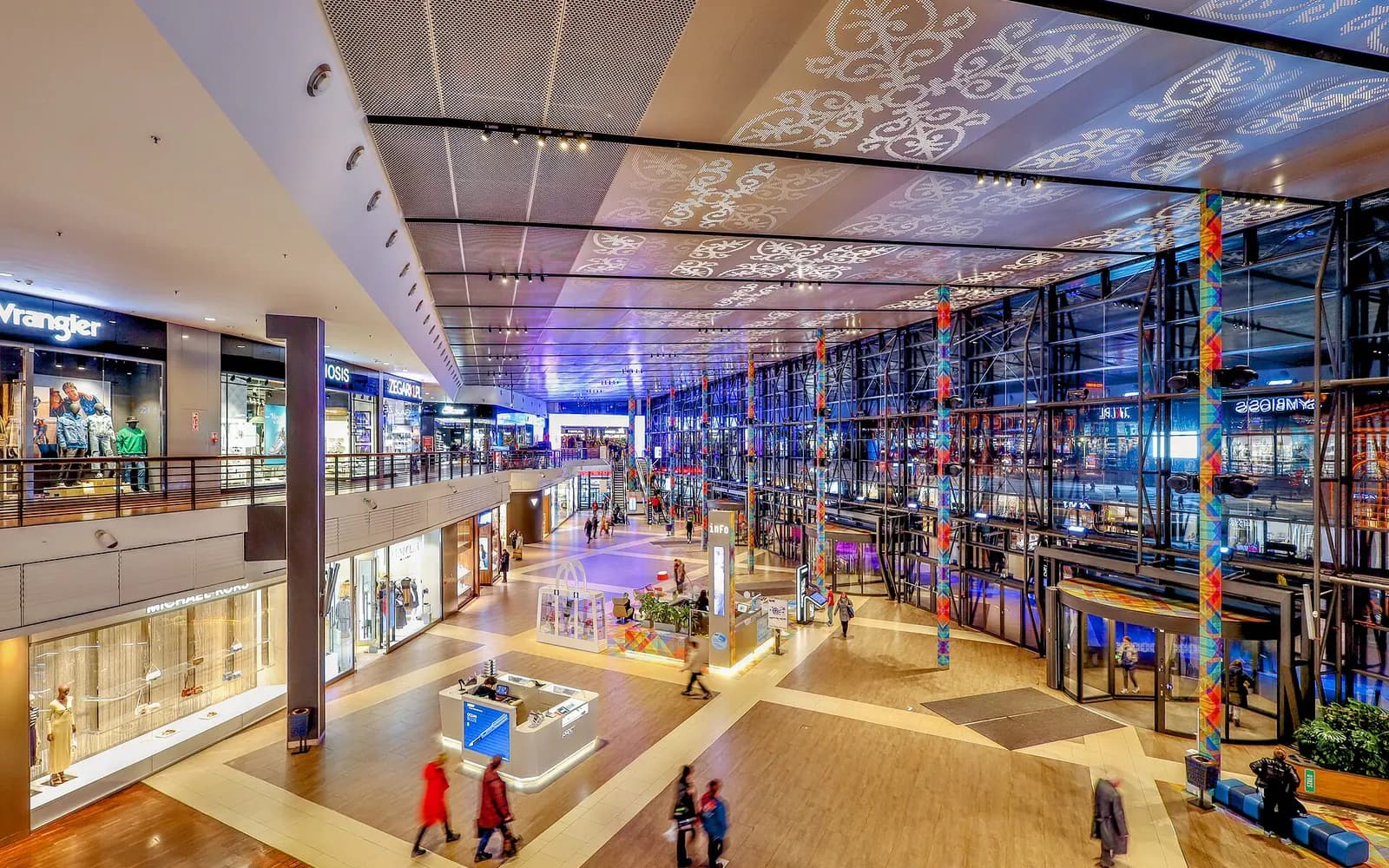
Support multi-store operators who need to move from all locations to one specific store and camera during the day.
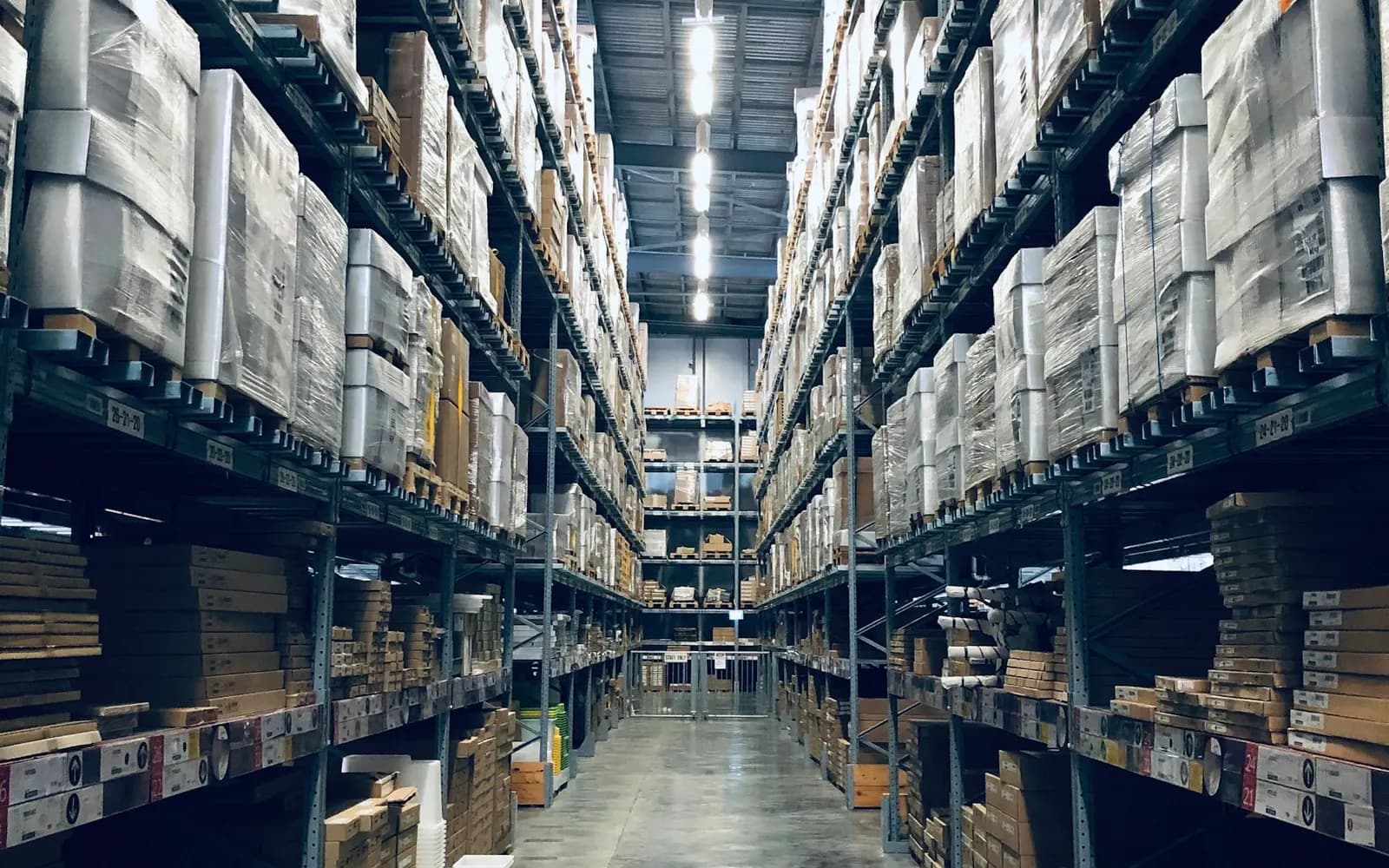
Help teams move from a question or alert to recorded video with fewer disconnected steps.
How it works
Step 1
Share your locations, the cameras or recorders you have, and who on your team needs access.
Step 2
We bring existing cameras into VideoSafes. New hardware only where a camera or link really needs it.
Step 3
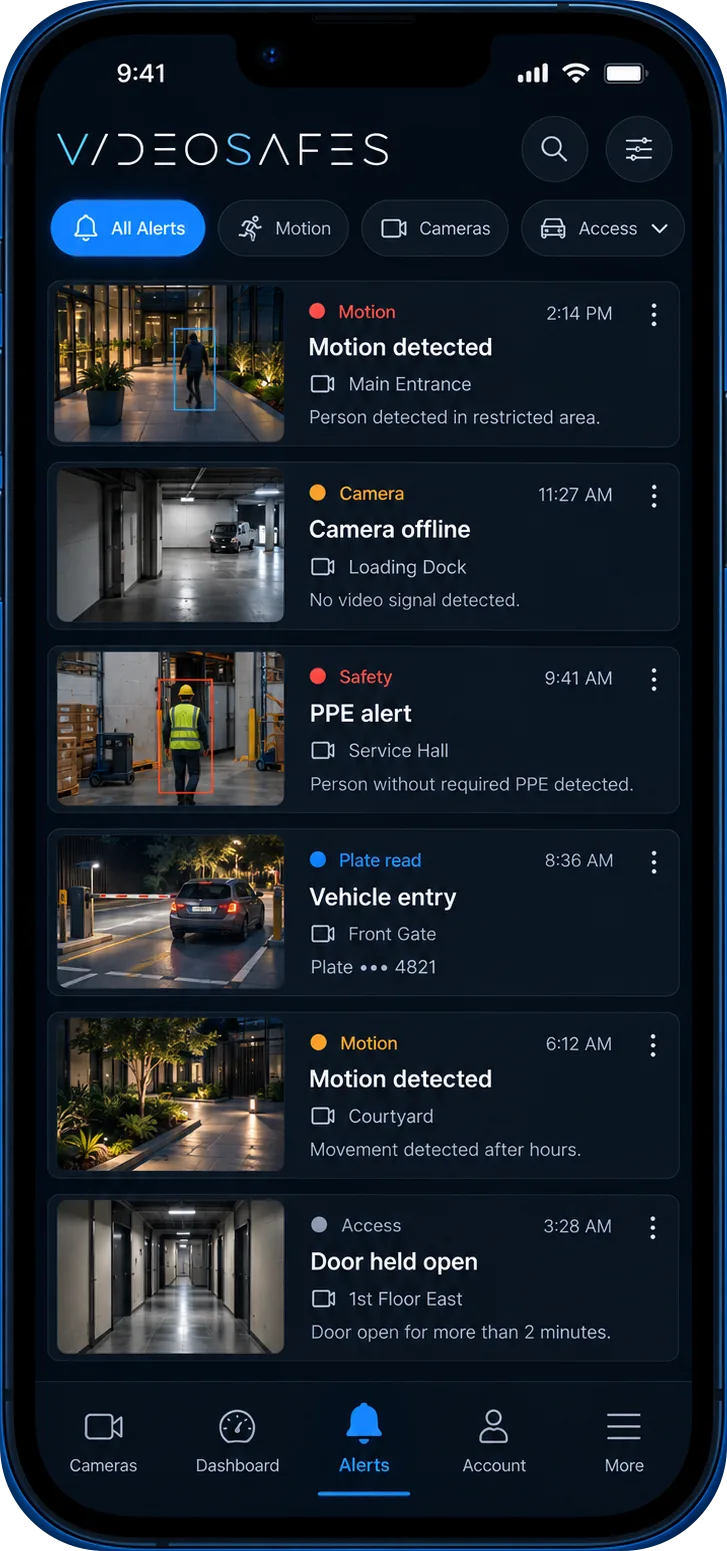
Choose who gets smart alerts, how long video is kept at each site, and which cameras each person can see.
Step 4
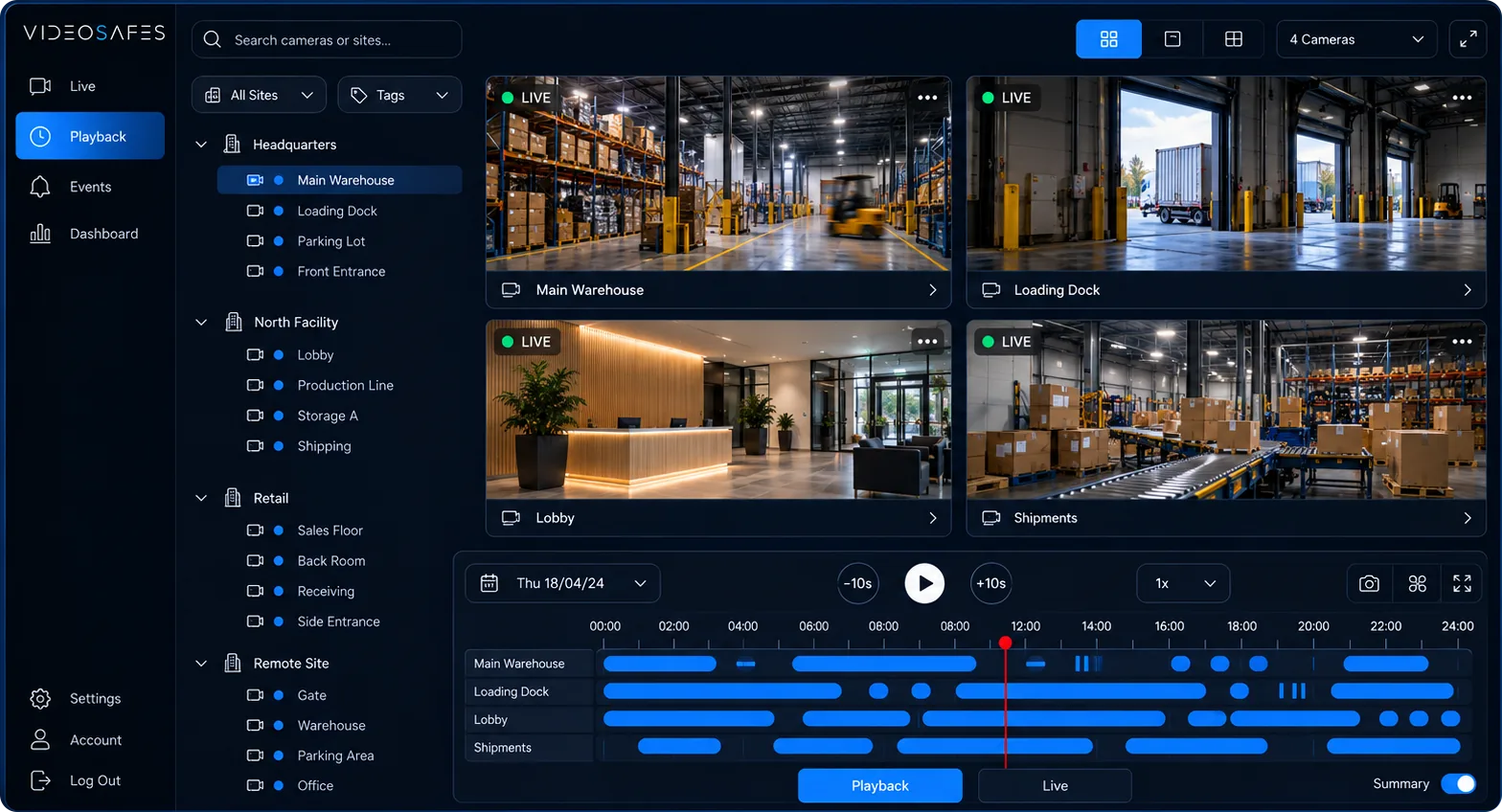
Use one app on desktop or phone for live view, playback, and sharing clips across every location.
Features
Open cameras across selected stores and move between live viewing and playback from one experience.
Narrow the search for relevant footage when teams need to follow up on store activity.
Keep operators aware when coverage at a location may need attention.
Support managers who move between stores or need visibility while away from a desk.
Related insights
FAQ
Common questions teams ask when evaluating VideoSafes for retail environments.
It gives approved store, district, and regional users a clearer path from all stores to a specific store and camera for live viewing and incident follow-up.
Yes. VideoSafes is meant to support mixed retail roles with one consistent access and review process instead of separate systems per brand or location.
Store count, current camera brands, priority locations, and the review scenarios that matter most—shrinkage, after-hours activity, or regional oversight.

Bring your store count, current cameras, and review process to an online demo.