

Longer Saved Video
Save footage in the cloud for longer than many local recorders can support.
VideoSafes Platform
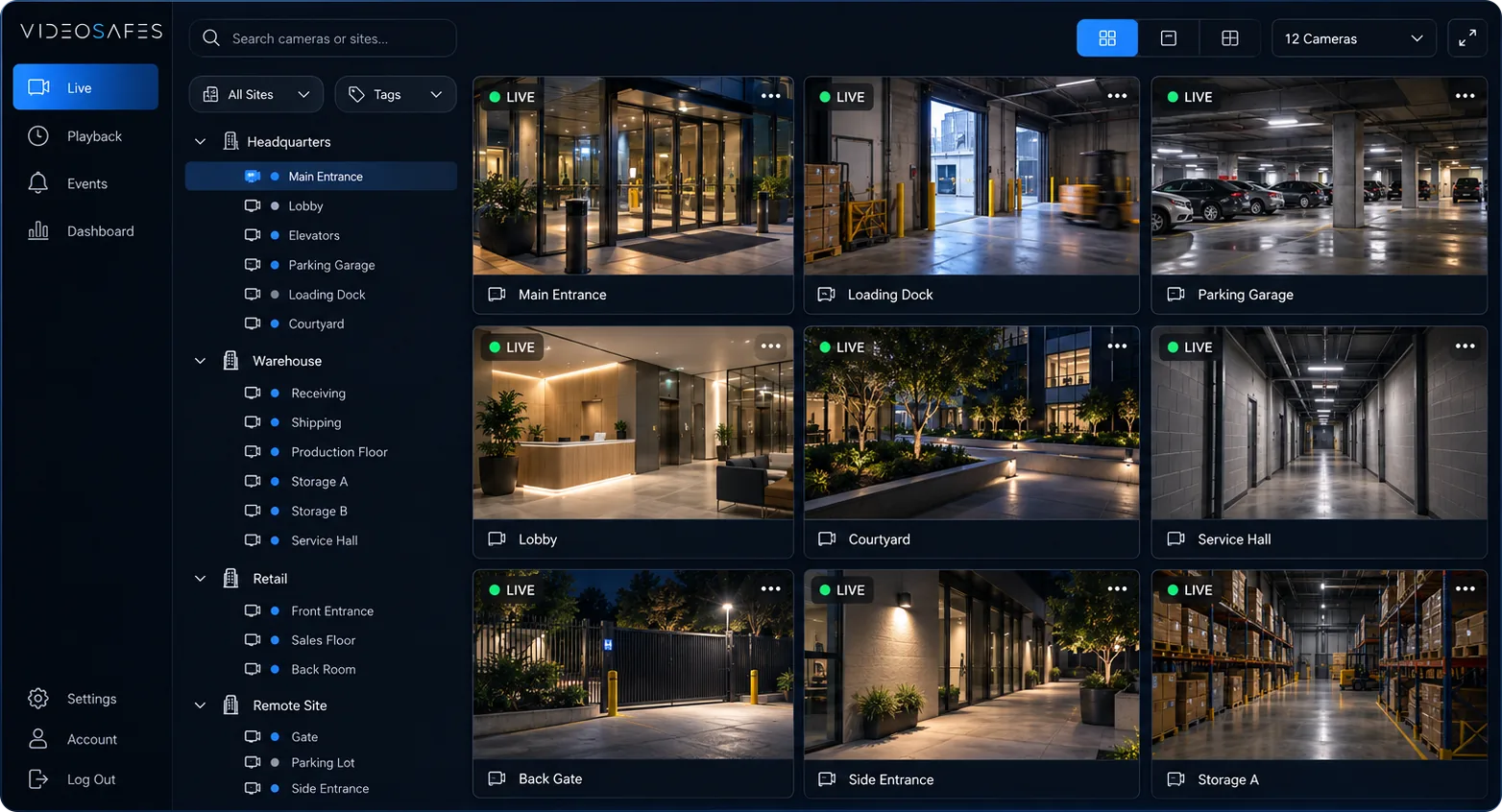
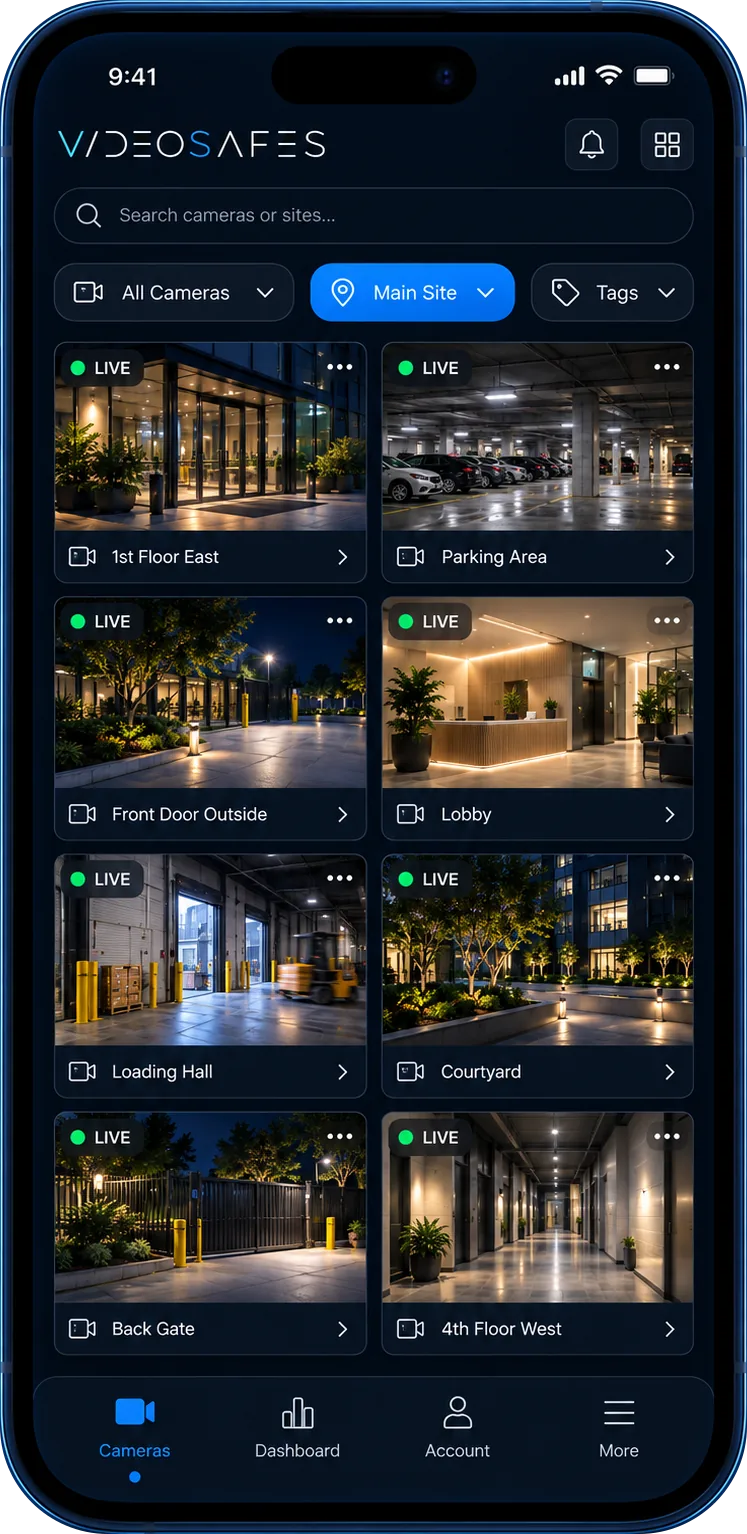
VideoSafes adds smart motion AI, cloud alerts, playback, and longer saved video to existing cameras from major brands. Your team gets one desktop and mobile view without a forced camera replacement project. New hardware is available only when a site needs it.
Overview
Teams choose VideoSafes to make current cameras easier to use, not to replace everything on day one. Give people one place to view, review, and manage video across locations.
Use smart motion AI to classify people, vehicles, and animals for faster review after an incident.
Explore →
Add license plate recognition, people counting, or safety PPE detection where a site needs deeper review.
Explore →
Save footage in the cloud for longer than many local recorders can support.
Bring cameras from multiple brands into one VideoSafes view.
Open live video and playback across sites from a browser or phone without jumping between local recorders.
Keep working cameras first. If a building needs new equipment, we help you choose it — no boxed kits.
Explore →
How it fits
Intelligence
Cloud alerts and smart motion AI help teams get from a question to the right footage with fewer steps.
Saved video
Redundant cloud storage helps organizations save footage beyond local recorder limits, with options up to one year.
Compatibility
Evaluations start with brands already on site. If cameras or recorders are the bottleneck, we can add the right equipment to the plan with you or your installer.
Accountability
Built-in audit logs help teams review logins and video access so administrators can understand who entered the system and when.
FAQ
Answers to common questions about cloud alerts, saved video, and support for different camera brands.
VideoSafes is designed to modernize existing camera environments. Compatibility depends on the cameras, recorders, and network conditions at your sites, so an online demo usually starts with your current brands and layout.
Yes. A core use case is saving video longer than local recorders can support, with cloud storage options up to a year when longer history matters.
Yes. VideoSafes is built for mixed camera brands so teams can use one view instead of managing every manufacturer as a separate system. See /compatibility for common setups.
VideoSafes can classify motion events for people, vehicles, and animals. This helps teams narrow review faster instead of watching long sections of video manually.
Yes. License plate recognition, people counting, and safety PPE detection are available as add-ons when a site needs those analytics. An online demo can confirm which cameras and locations are a good fit.
Common users include local operators, regional managers, loss-prevention or facilities teams, and central security staff. Access should match real responsibilities across sites.
Yes. VideoSafes includes audit logs for login and access activity so administrators can review who used the system and when.
Yes. The product is designed for browser and mobile access so approved teams can review live and recorded video away from a local recorder.

Book an online demo focused on your existing cameras, saved-video goals, sites, and teams. We’ll also flag any connectivity gaps that need attention.