

Staffing decisions rely on guesswork
Without traffic counts, teams schedule staff based on impressions instead of actual patterns by hour or day.
Smart add-on
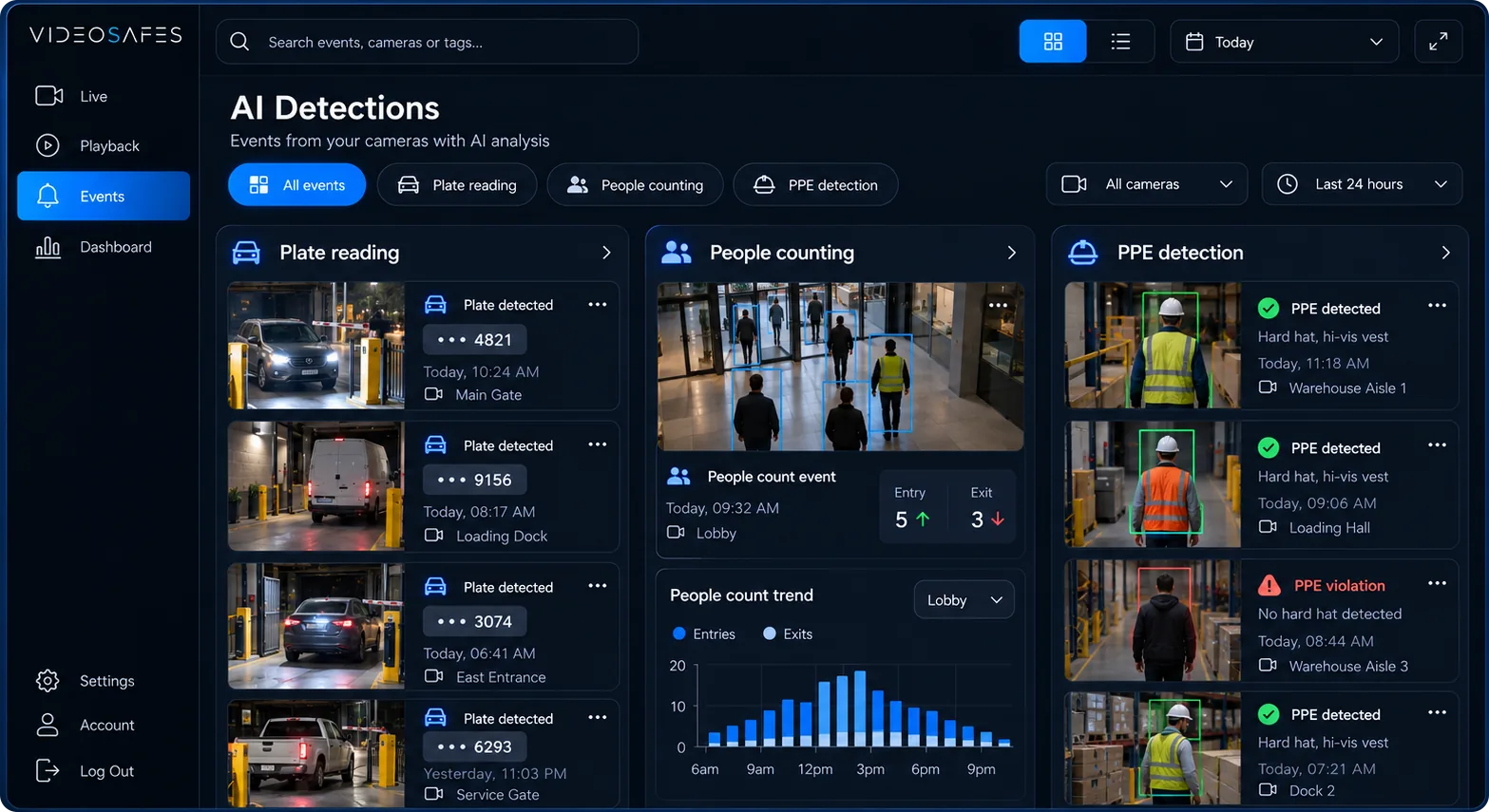
People Counting tracks how many people pass through a covered doorway, floor, or zone over a chosen period. Instead of guessing at busy hours or foot traffic trends, teams get counts they can compare day to day and site to site.
The problem
Without traffic counts, teams schedule staff based on impressions instead of actual patterns by hour or day.
Locations with occupancy limits or busy-period concerns often have no reliable way to track counts in real time.
Without a shared counting method, comparing traffic across stores or buildings means combining separate, inconsistent records.
How it works
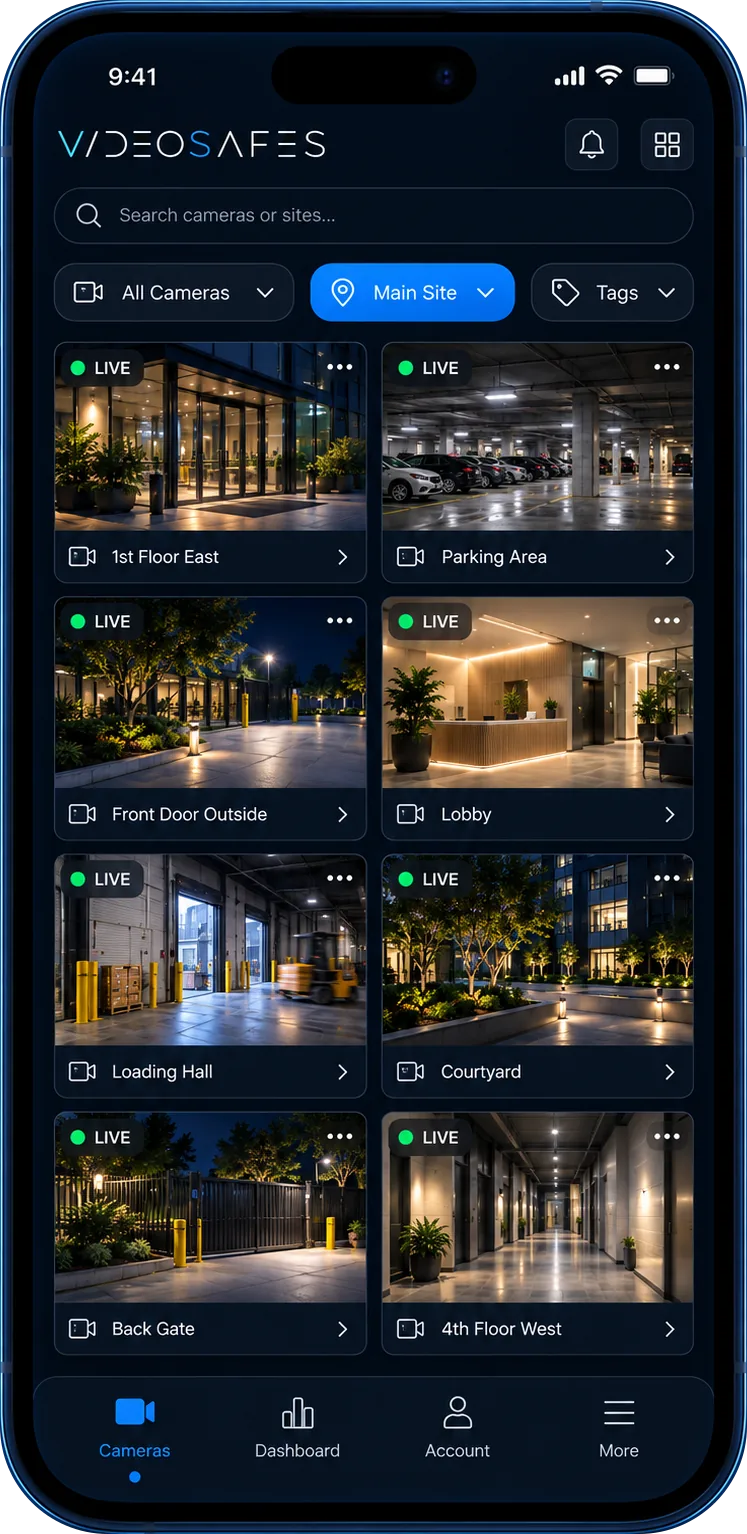
People Counting is added to cameras positioned to reliably capture entries, exits, or through-traffic in a specific area.
Traffic is tallied continuously, building a record teams can break down by hour, day, or location.
Instead of watching footage to estimate traffic, teams pull counts and trend views for the periods that matter.
Use cases
Track daily and hourly traffic to support staffing plans and compare performance across stores.
Understand traffic patterns in shared spaces without adding manual headcount tasks for on-site staff.
Keep a running count in zones where occupancy limits or crowding are an ongoing concern.
What you get
Get counts broken down by the doorway, floor, or zone each covered camera watches.
Compare traffic by hour, day, or period instead of relying on impressions or spot checks.
Use consistent counting across locations to compare traffic between stores, buildings, or sites.
People Counting builds on the same people-classification foundation used throughout VideoSafes.
Good to know
FAQ
Common questions teams ask when evaluating People Counting for VideoSafes.
Accuracy depends on camera placement and how traffic moves through the covered area. An online demo reviews your layout to confirm a good setup for reliable counts.
Yes. Sites with People Counting enabled use a consistent counting method, so teams can compare traffic trends across stores or buildings.
No. People Counting reports traffic counts and trends, not identity. It is a separate capability from access control or identification tools.
Cameras need a clear view of the doorway, floor, or zone being counted. An online demo confirms which existing cameras are good candidates.
Related features
Smart Motion AI
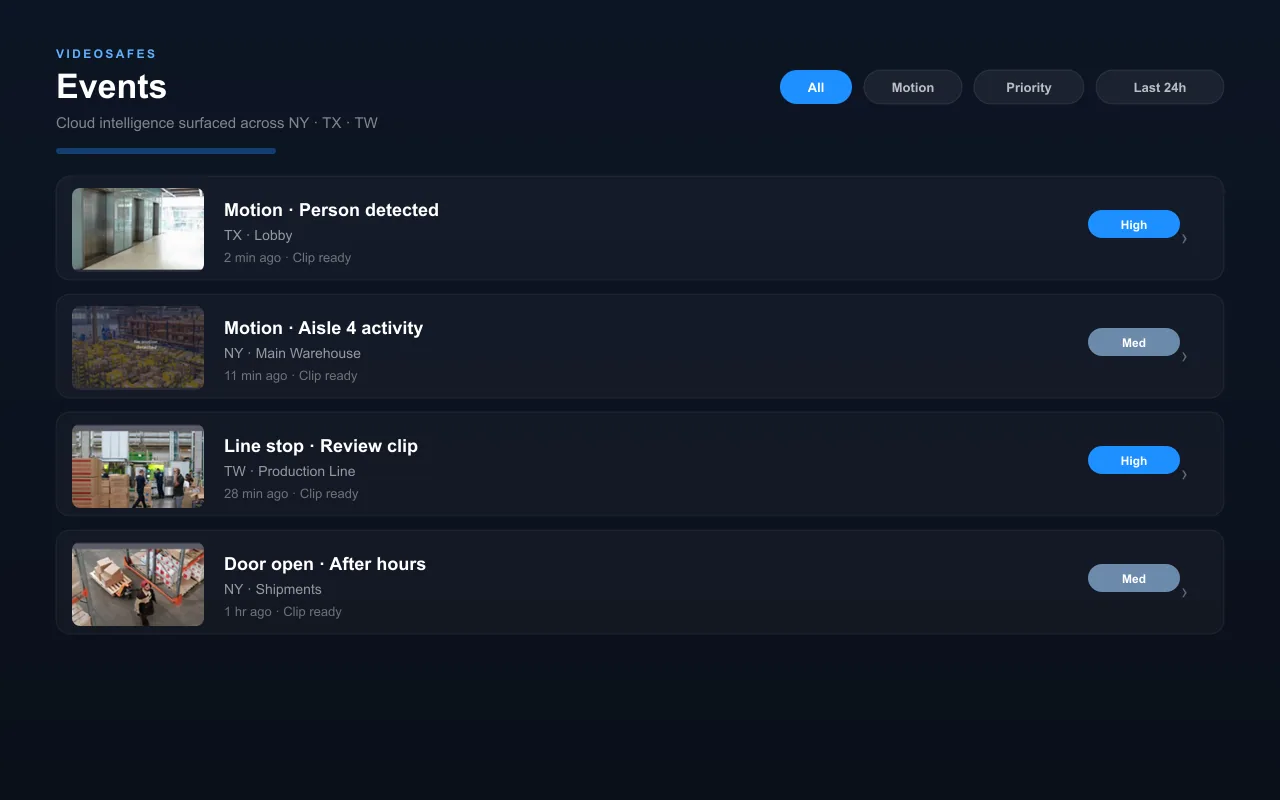
Classify motion as people, vehicles, or animals so teams can skip past irrelevant activity and review the moments that matter.
Safety Gear (PPE) Detection
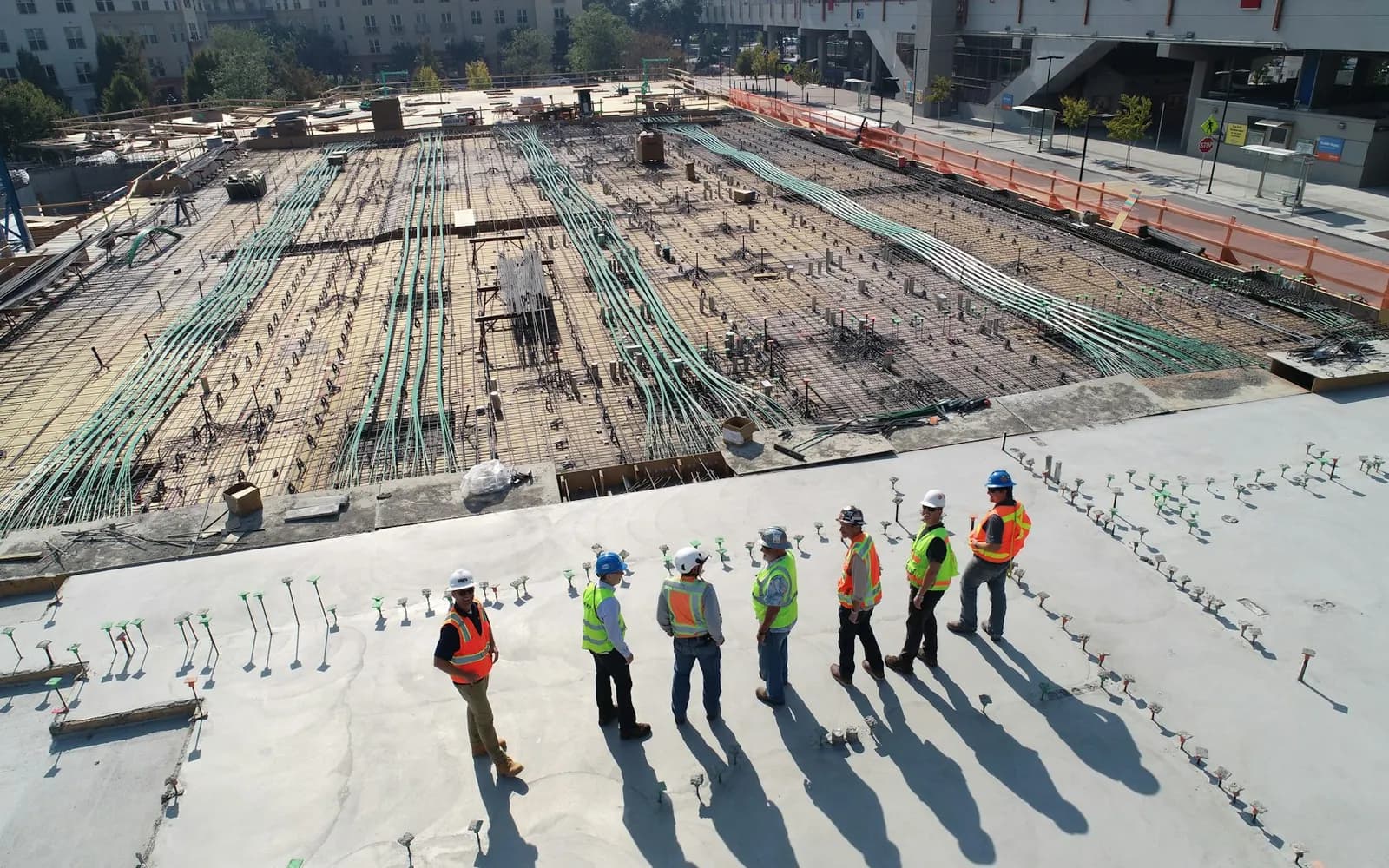
Flag missing hard hats, vests, or other required gear in covered work zones to support daily safety checks.
Activity History (Audit Logs)
Review a record of logins and video access so administrators always know who used the system and when.

Tell us about the doorways, floors, or zones you want traffic data on. We’ll confirm coverage and setup during an online demo.