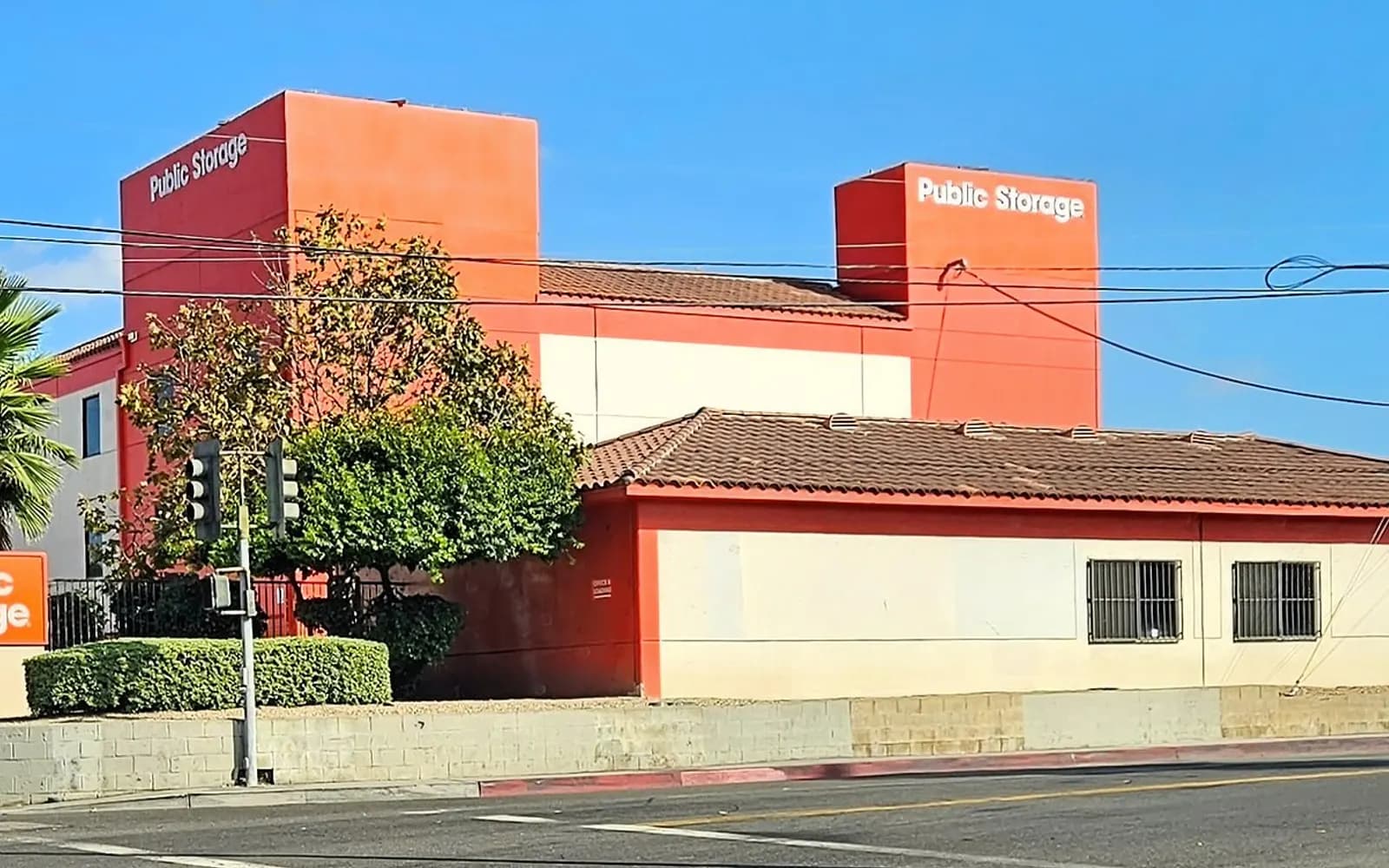
Multiple buildings, one operating team
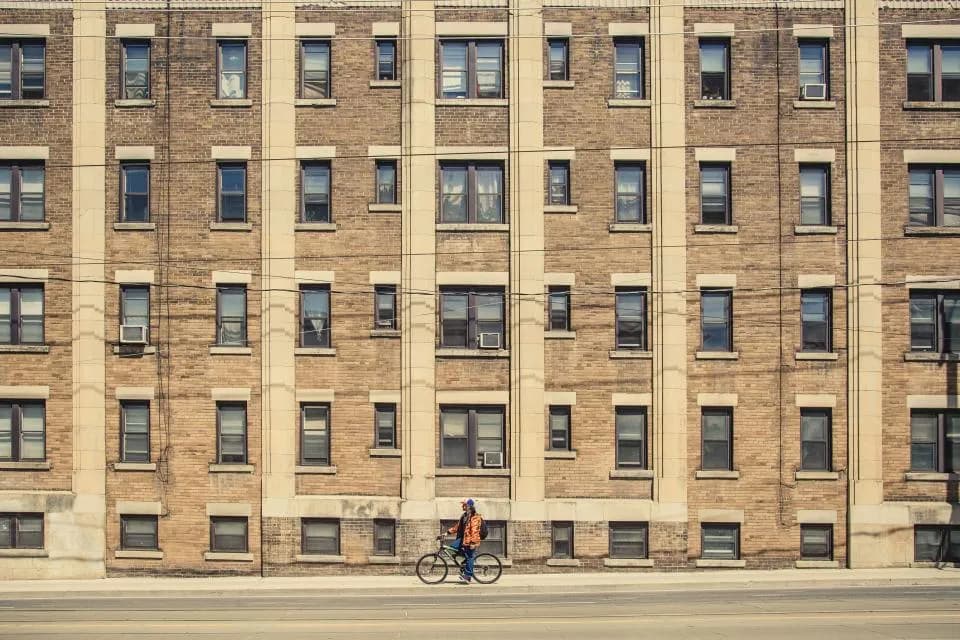
Property managers often oversee several buildings and need a clearer way to move between them.
Commercial Properties
Give property managers, facilities teams, and regional operators one way to view buildings, entrances, common areas, and multiple properties, with saved video for incidents and claims.

Industry overview
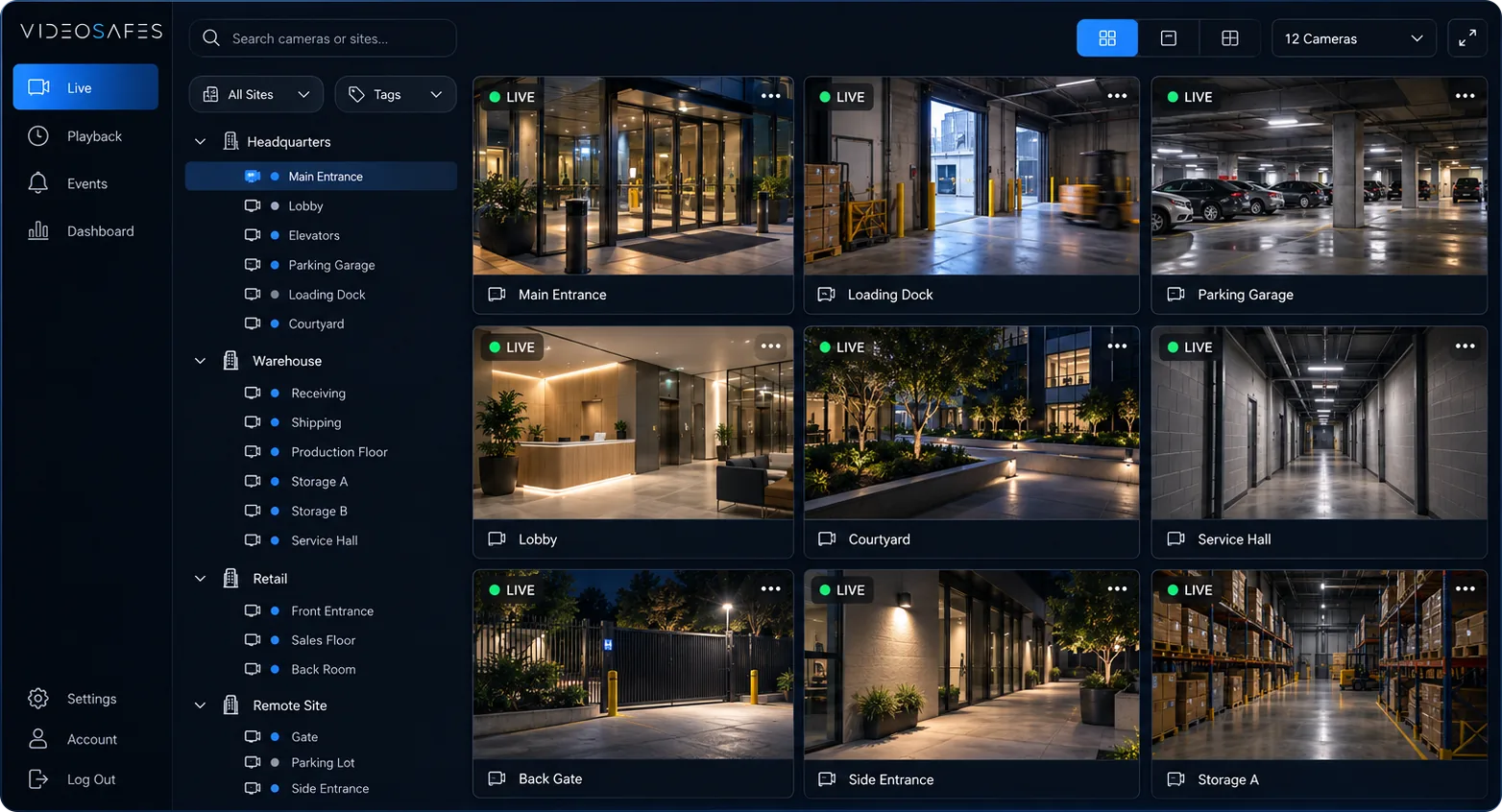
Property management companies need more than a camera login. Managers, facilities teams, and regional operators need one path across many buildings for entrances, common areas, after-hours activity, and claim review.
VideoSafes Portfolio plans support New York metro property operators with cloud recording based on how long footage must be saved, repeatable property onboarding, connectivity guidance when a building needs it, and access that matches real property roles.
What property management teams should evaluate
Problems we solve
Property managers often oversee several buildings and need a clearer way to move between them.
Lobbies, loading docks, parking areas, and amenity spaces require organized camera access for routine review.
Facilities, security, and property operations frequently need the same footage through a consistent process.
Use cases
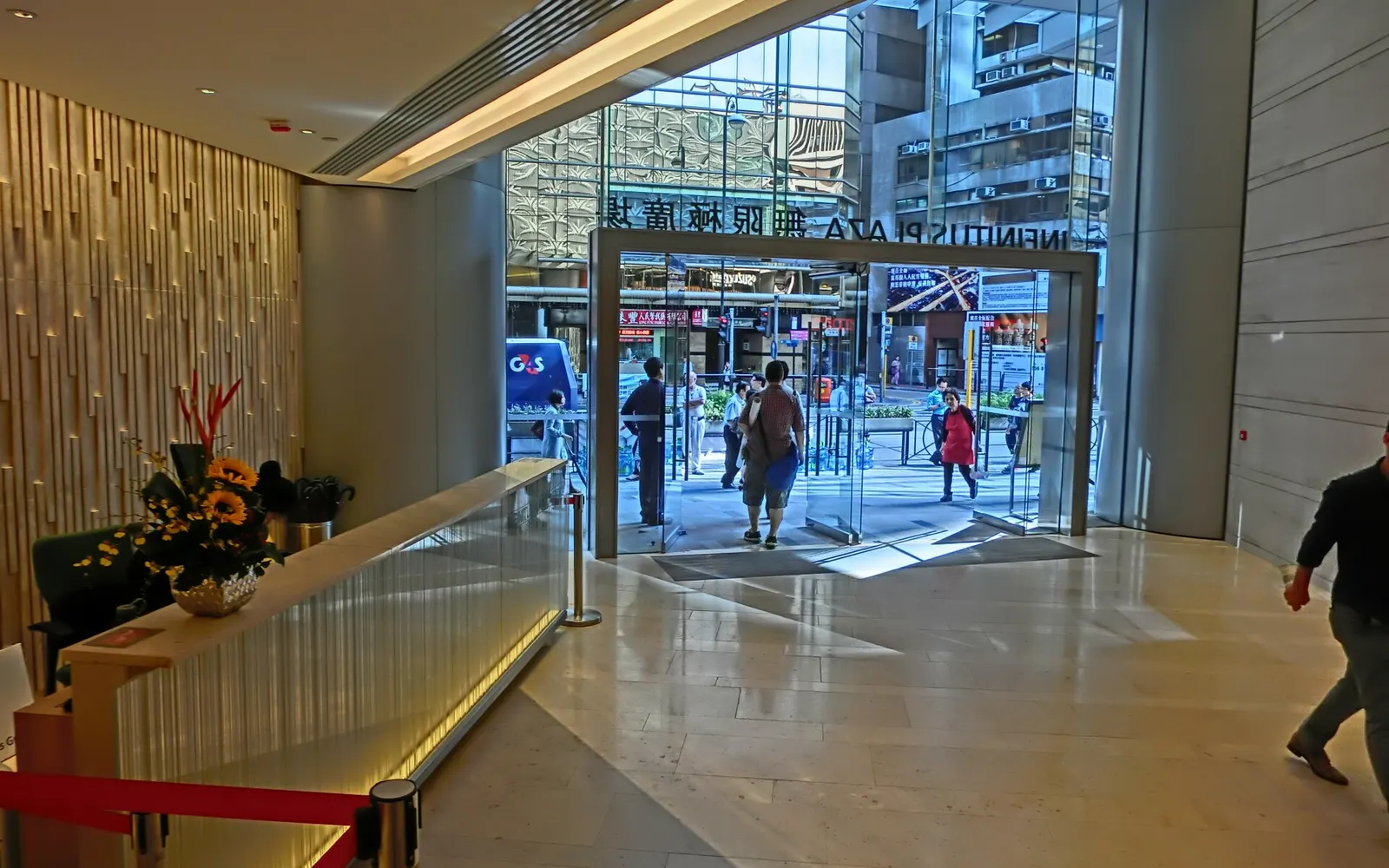
Support teams checking entrances, lobbies, and perimeter areas across one or more properties.

Give approved property teams a clear path from all buildings to a specific property and camera.
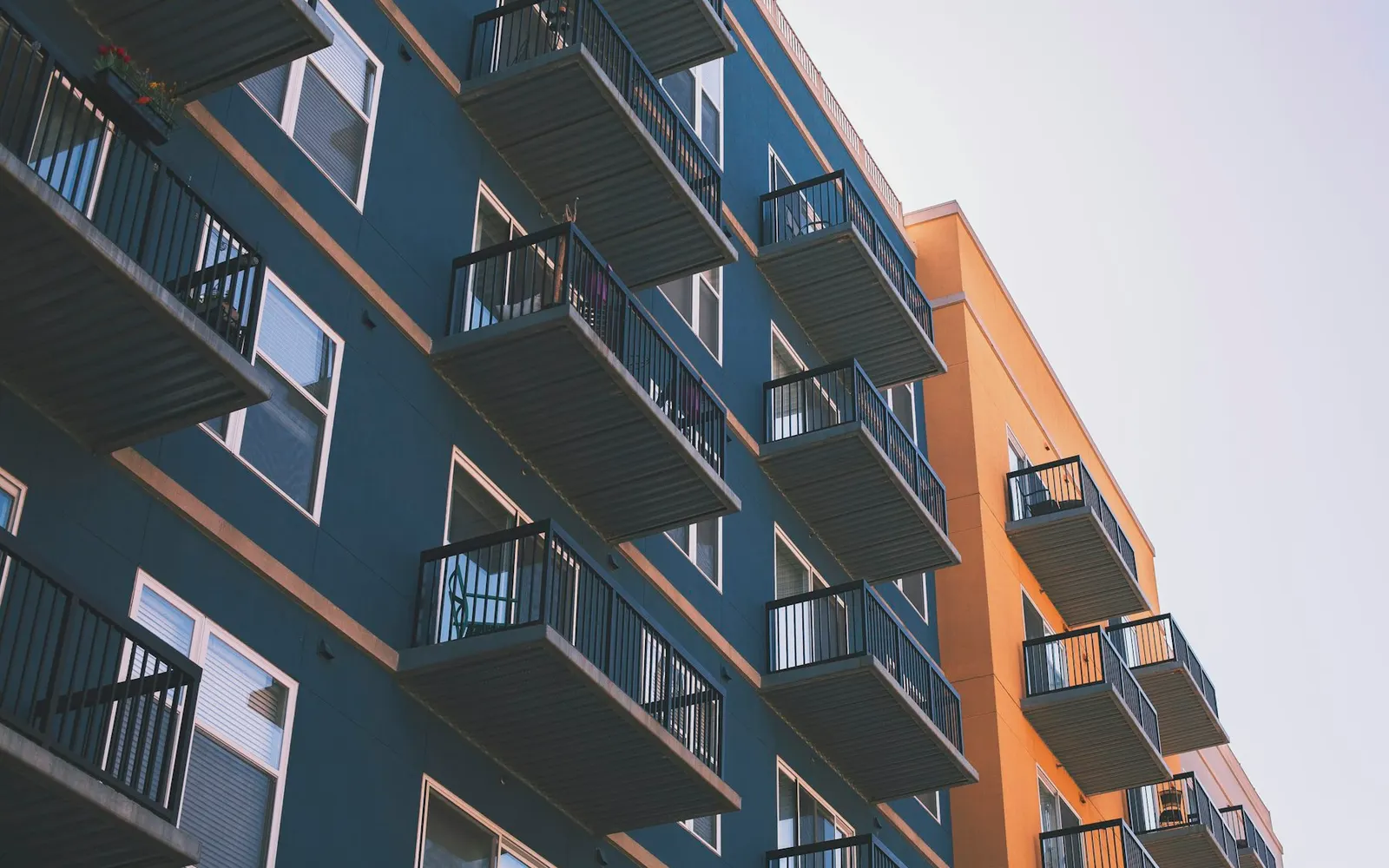
Help teams retrieve relevant footage for facilities issues, tenant concerns, or after-hours activity.
How it works
Step 1
Share your locations, the cameras or recorders you have, and who on your team needs access.
Step 2
We bring existing cameras into VideoSafes. New hardware only where a camera or link really needs it.
Step 3
Choose who gets smart alerts, how long video is kept at each site, and which cameras each person can see.
Step 4
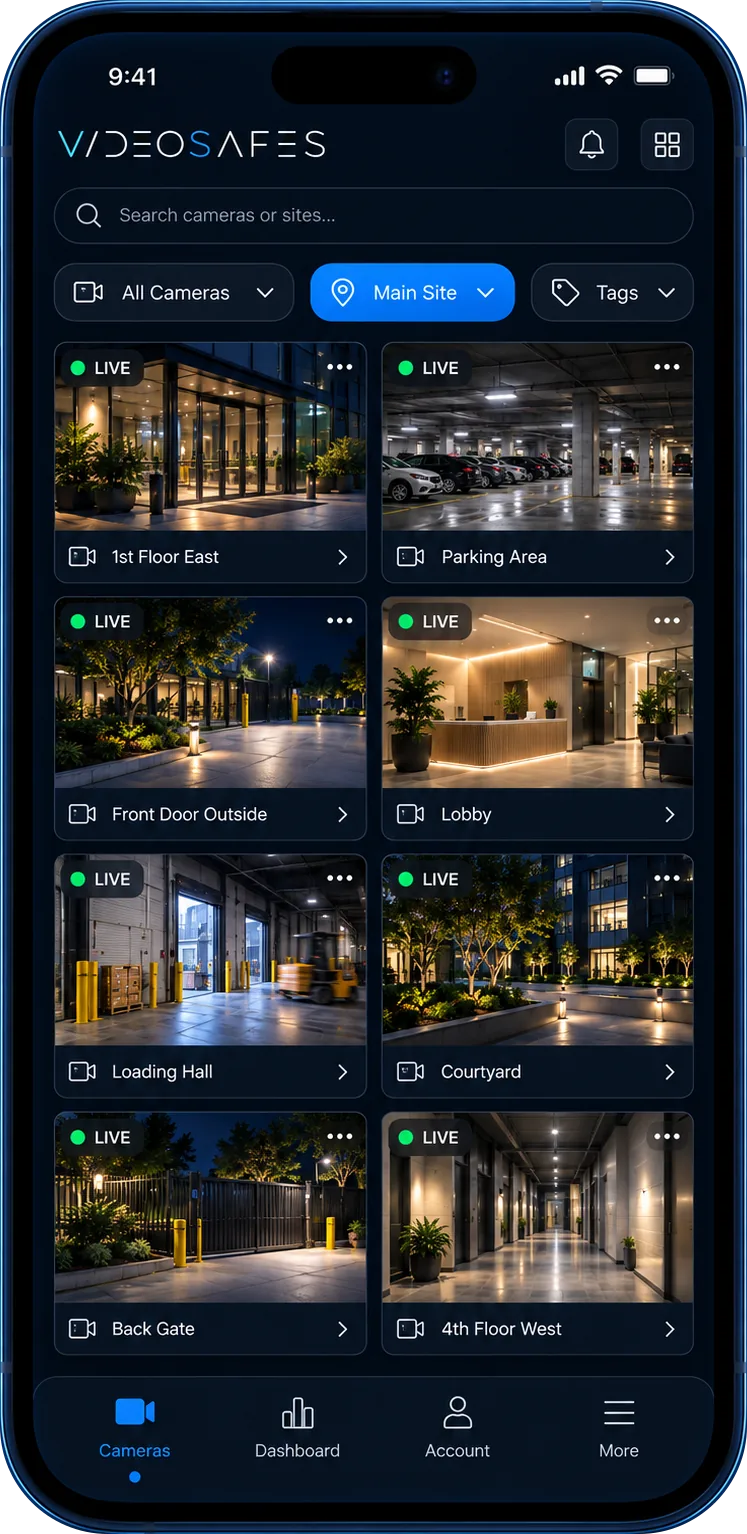
Use one app on desktop or phone for live view, playback, and sharing clips across every location.
Features
Keep properties structured so teams can find the right building and camera without friction.
Access live and recorded video through a centralized VideoSafes experience.
Stay aware of camera connectivity across the buildings you manage.
Support property, facilities, and operations users with practical access by role.
Related insights
FAQ
Common questions teams ask when evaluating VideoSafes for commercial properties environments.
It helps property and facilities teams organize video access across buildings, entrances, common areas, and multiple properties.
Yes. Facilities, security, and property operations can share a more consistent retrieval and review process with access for the right roles.
Building count, current cameras, shared-space coverage priorities, and the teams that need authorized access today.

Share your buildings, current cameras, and review process for a focused conversation.