A different system at every building
Each property often has its own recorder, app, and password, so finding the right camera takes too long.
Property Management
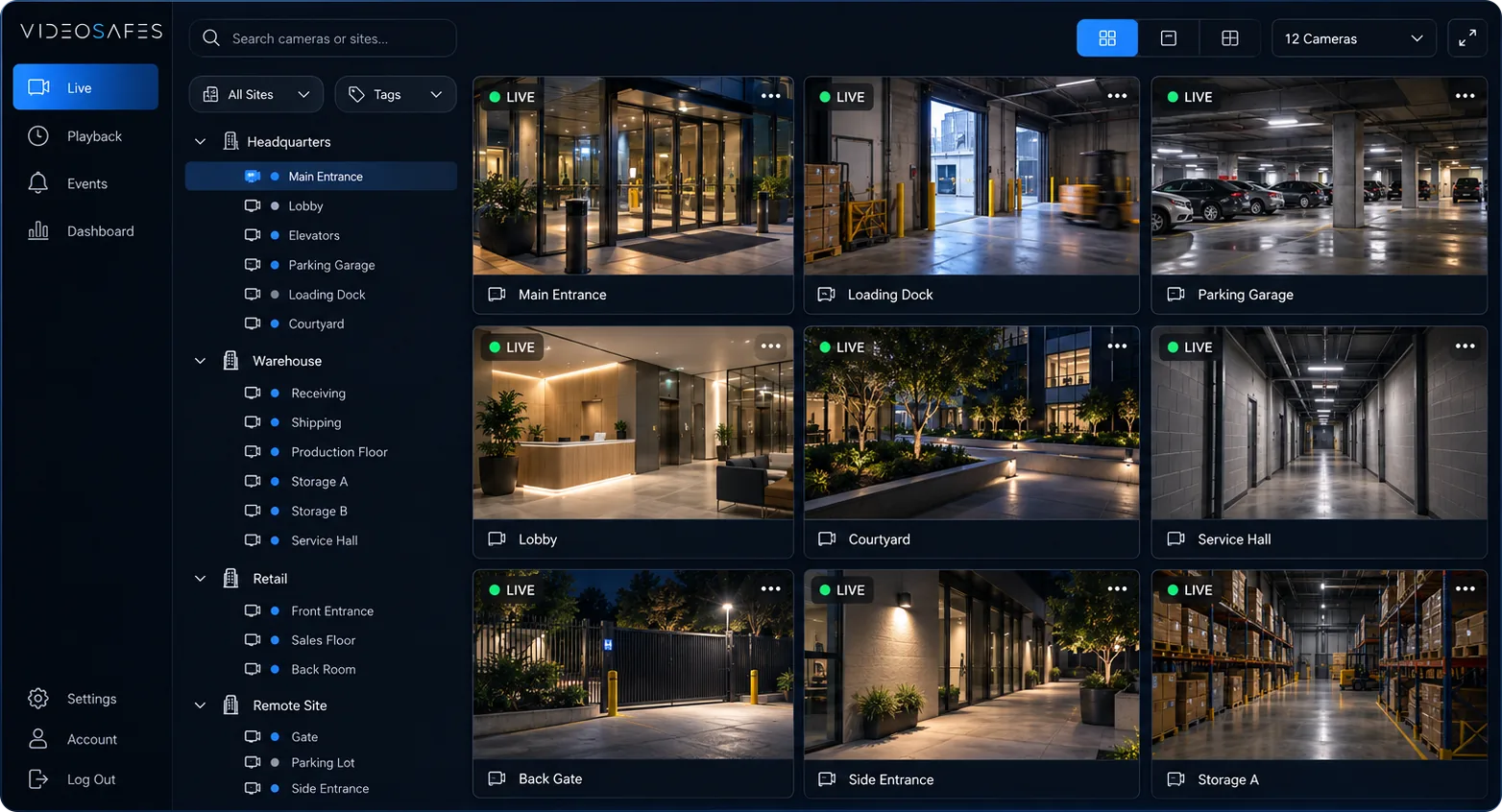
Watch live, look back at recordings, and share clips across all your properties from one login, using the cameras already on site. No DVR to babysit, and saved video in the cloud for up to a year.
Industry overview
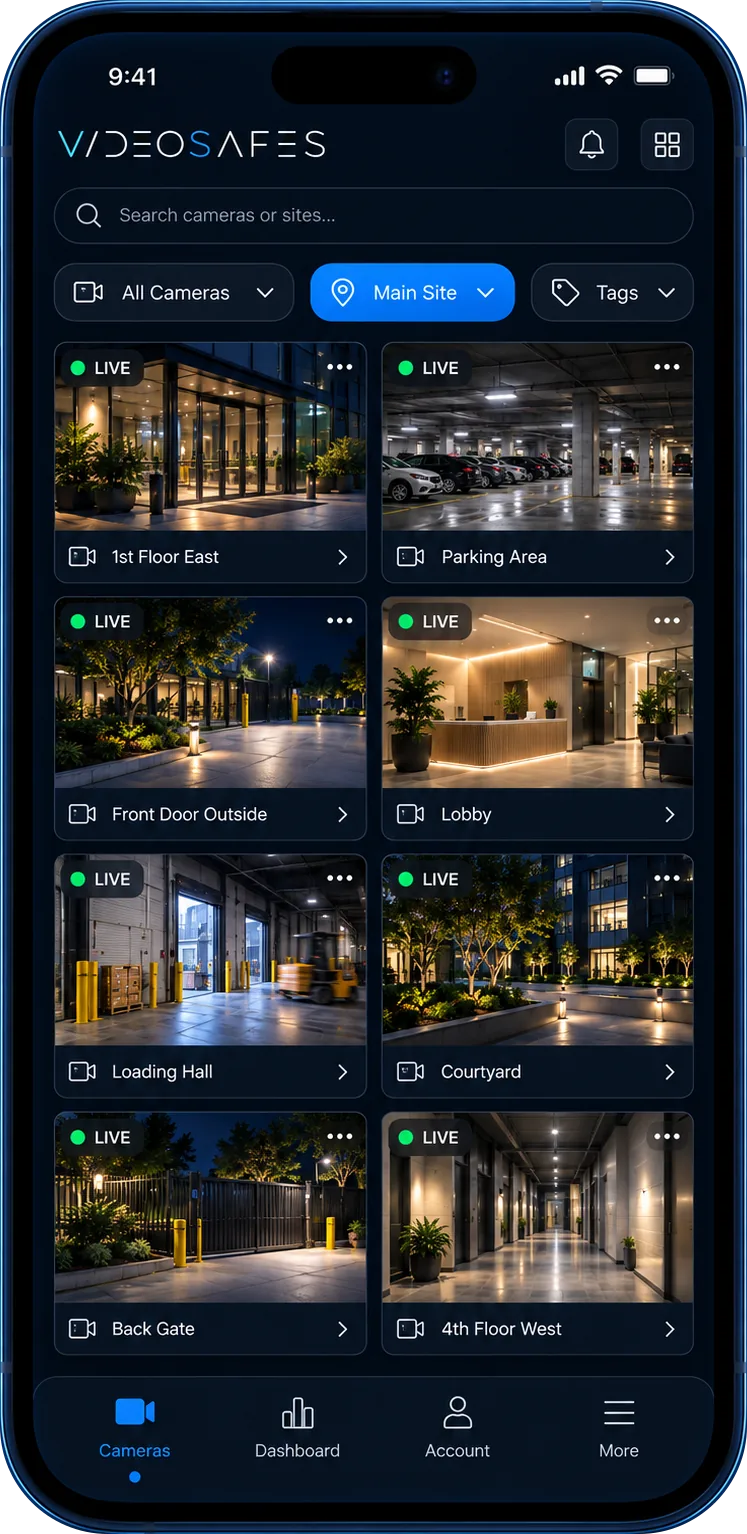
Property managers rarely get to start fresh. Each building has its own cameras, its own recorder, and its own password. VideoSafes brings them together in one app, so you can check any property from your desk or your phone.
Keep the cameras you already have, choose how long video is saved at each building, and give supers, managers, and owners access to just the properties they look after.
Bring to your demo
Problems we solve
Each property often has its own recorder, app, and password, so finding the right camera takes too long.
Handing footage to owners, insurers, or police still means USB sticks, DVDs, and trips to the back room.
Older recorders often keep only a few days of video, which isn't enough for slip-and-fall or damage claims.
A DVR in a closet is one more box to maintain, and if it's damaged or stolen, the video goes with it.
Most problems happen when the office is closed, and nobody finds out until the next morning.
Buildings are added and sold, and staff change. Access has to keep up without a new system each time.
Use cases
Switch between buildings and cameras in seconds, from your desk or your phone. One secure account covers the whole portfolio.
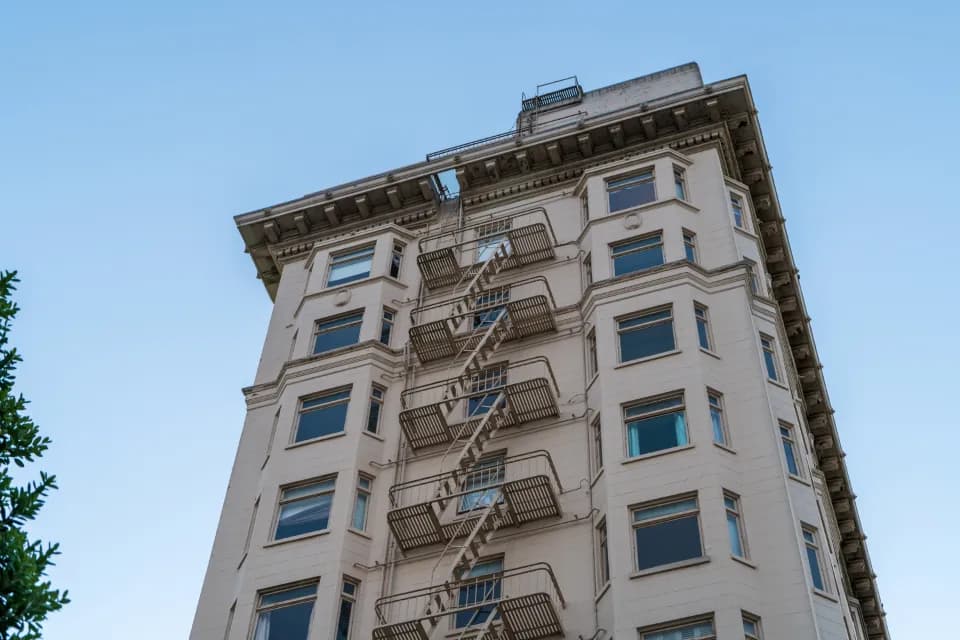
Motion-based indexing takes you straight to the moments with activity, so you aren't scrubbing through hours of empty hallway.
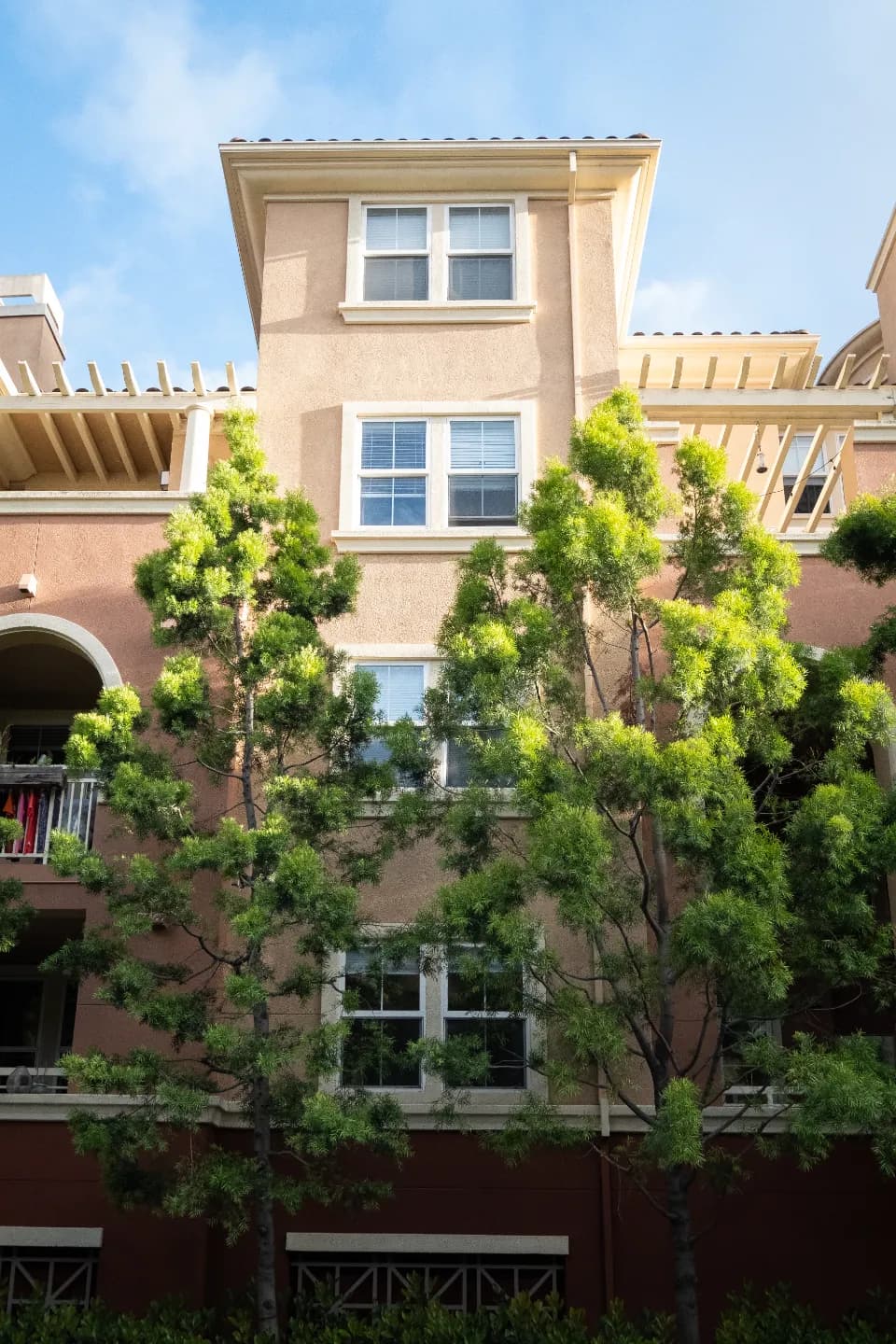
Download a clip or share it with one click when an owner, insurer, tenant, or the police needs to see it.
Smart alerts flag people and vehicles at entrances, garages, and loading areas around the clock, so the right person hears about it first.
Give supers, managers, and owners access to just the buildings they look after, and change it whenever your team or portfolio changes.
How it works
Step 1
Share how many properties you manage, what cameras or recorders are on site, and who needs access.
Step 2
We connect the cameras you already have to the VideoSafes cloud. Setup is quick, often done in less than a day per building.
Step 3
Group cameras by building, choose how long video is kept, and give each person access to the properties they manage.
Step 4
Use one app on desktop or phone for live view, alerts, playback, and sharing clips across every property.
Features
VideoSafes works with the CCTV already installed in most buildings, so you don't start with a replacement project.
Video is saved securely in the cloud instead of on a box in a closet, so a damaged or stolen recorder doesn't take your footage with it.
Pick how long video is kept at each property, up to a year, so the footage is there when a claim comes in.
Get told about people and vehicles after hours instead of scrolling through hours of video.
Every building, every camera, one account, with access you control.
Start with one building or the whole portfolio. We tailor the plan to your footprint and add sites as you take them on.
Related insights
FAQ
Common questions teams ask when evaluating VideoSafes for property management environments.
Usually not. VideoSafes works with the CCTV already installed in most buildings. We confirm compatibility with your cameras and recorders before rollout, and only suggest new hardware where a camera or link really needs it.
No DVR is needed for cloud recording. Video is saved securely in the cloud, so a damaged, stolen, or full recorder doesn't take your footage with it.
You choose how long video is saved at each property, up to a year, so footage is there when a claim or dispute comes up later.
Yes. You can download a clip or share it with one click, with no DVDs or USB drives involved.
Yes. Give supers, managers, and owners access to just the properties they look after, and add or remove people any time.
It depends on your buildings and network, but connecting existing cameras is often done in less than a day per property.

Tell us how many properties you manage and what cameras you have. We'll show you how VideoSafes would look for your team, from one building to a full portfolio.