Lots of ground to cover
Lobbies, parking, pools, back doors, and event spaces all need watching, often across more than one property.
Hospitality
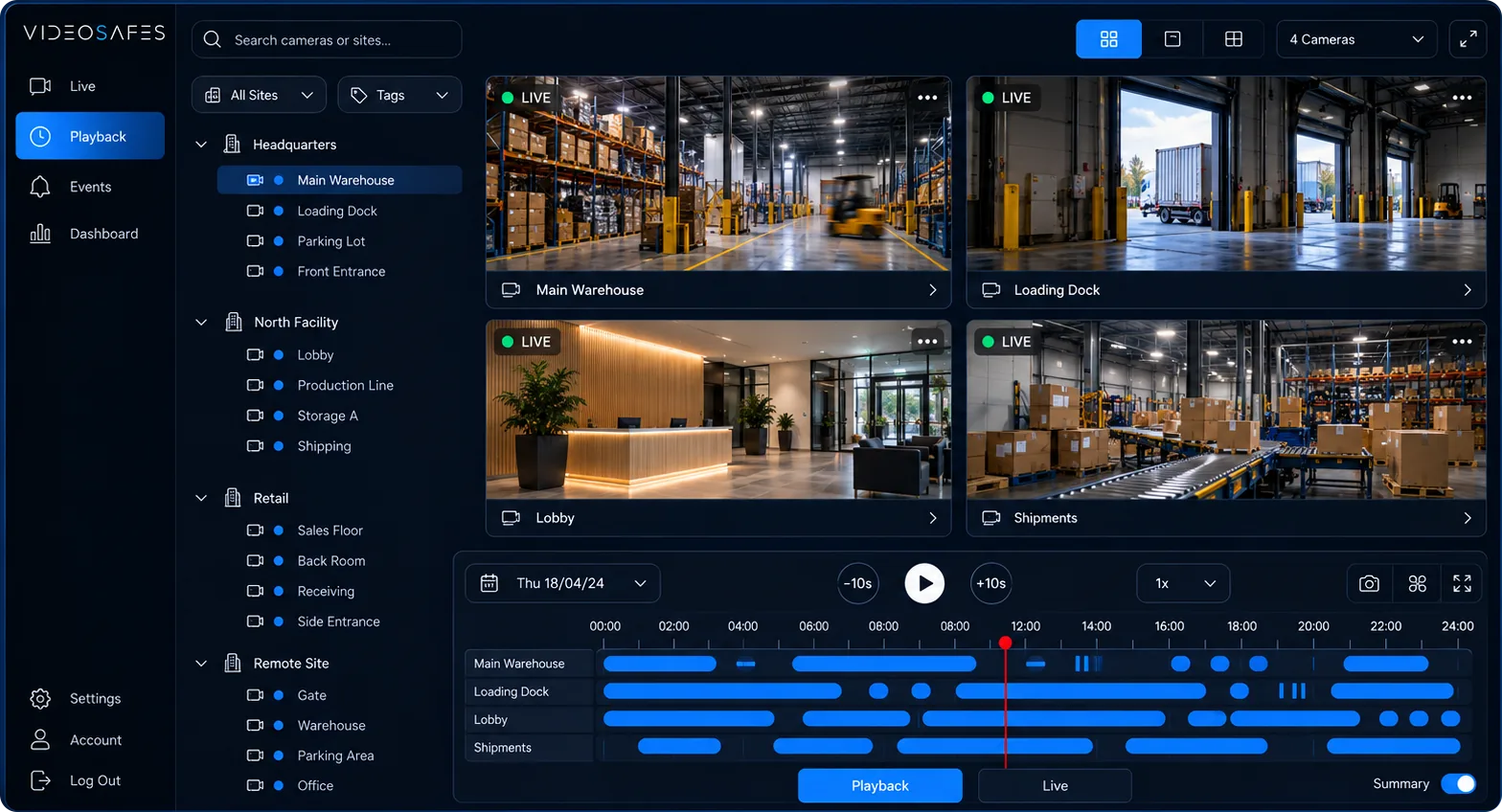
For boutique inns, hotels, resorts, and event venues: see every camera from one app, find incidents quickly, and share clips in a click, without replacing the cameras you have.

Industry overview
Whether you run a boutique inn, a resort, or a busy event venue, VideoSafes gives managers one app to see every camera, find incidents quickly, and share what happened — without replacing the cameras you already have.
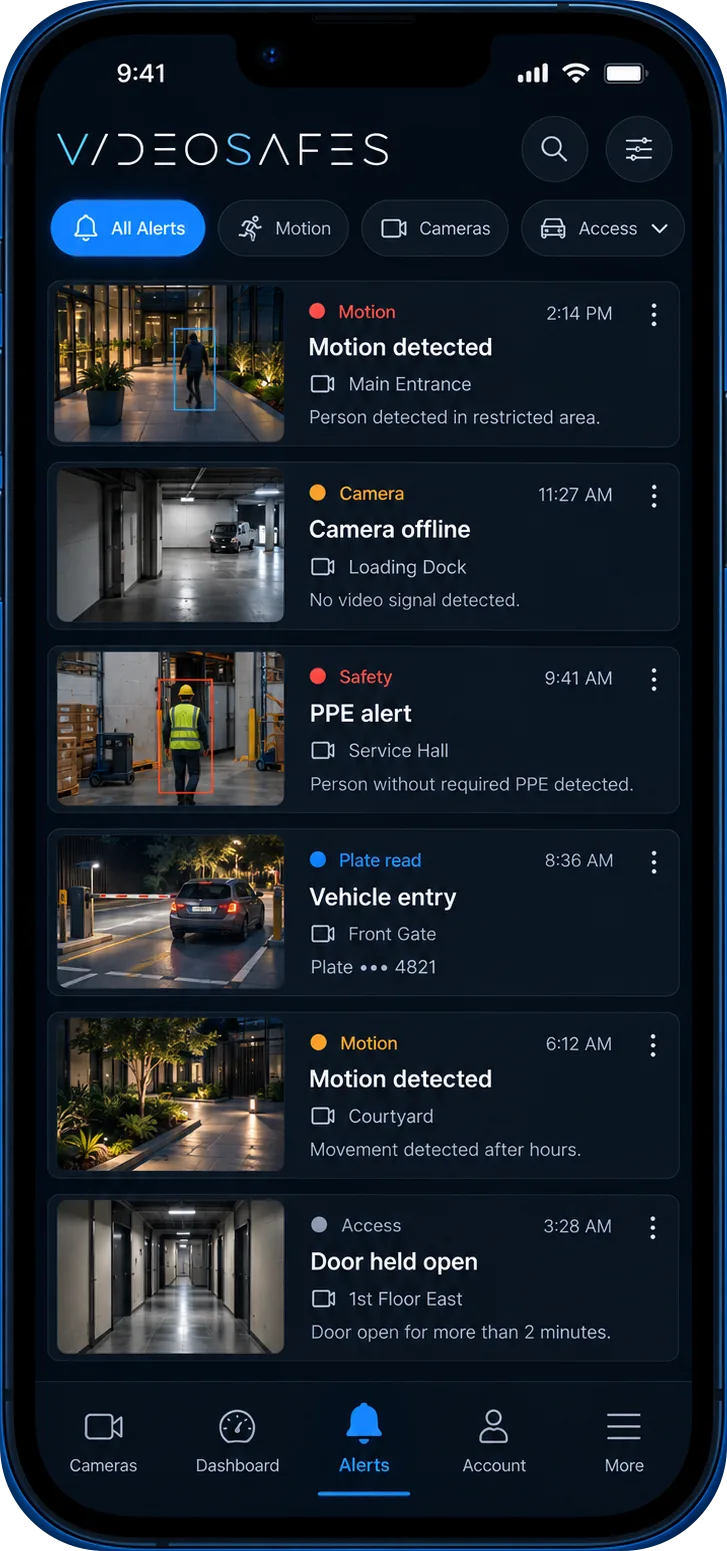
Smart alerts point you to people and vehicles that matter, and saved video is there when a guest, insurer, or the police has a question later.
Bring to your demo
Problems we solve
Lobbies, parking, pools, back doors, and event spaces all need watching, often across more than one property.
When a guest reports a slip and fall or a damaged car, you need the right clip quickly, not hours of scrubbing through video.
Supplies, linens, and inventory walk out of storerooms and loading doors, and it's hard to tell when or how.
If the on-site recorder is damaged, unplugged, or full, the footage you needed is gone.
Different recorders at different properties make it hard for managers and the front desk to check cameras.
The riskiest hours are often the busiest or the quietest, when managers are stretched thin or off site.
Use cases
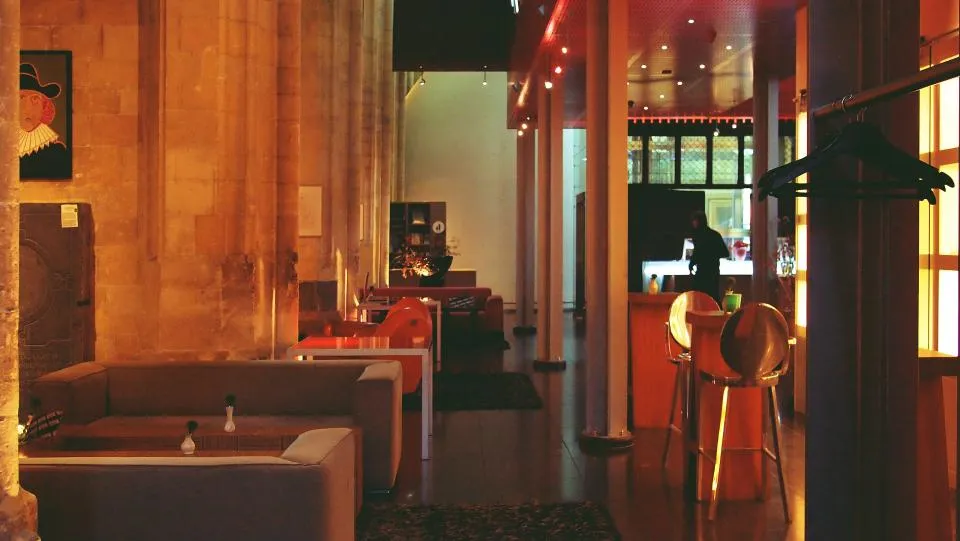
Managers can check any camera at any property from a phone or computer, in real time, across every location.

Motion-based event tagging and a simple timeline take you straight to the moment that matters, with no scrubbing through hours of footage.
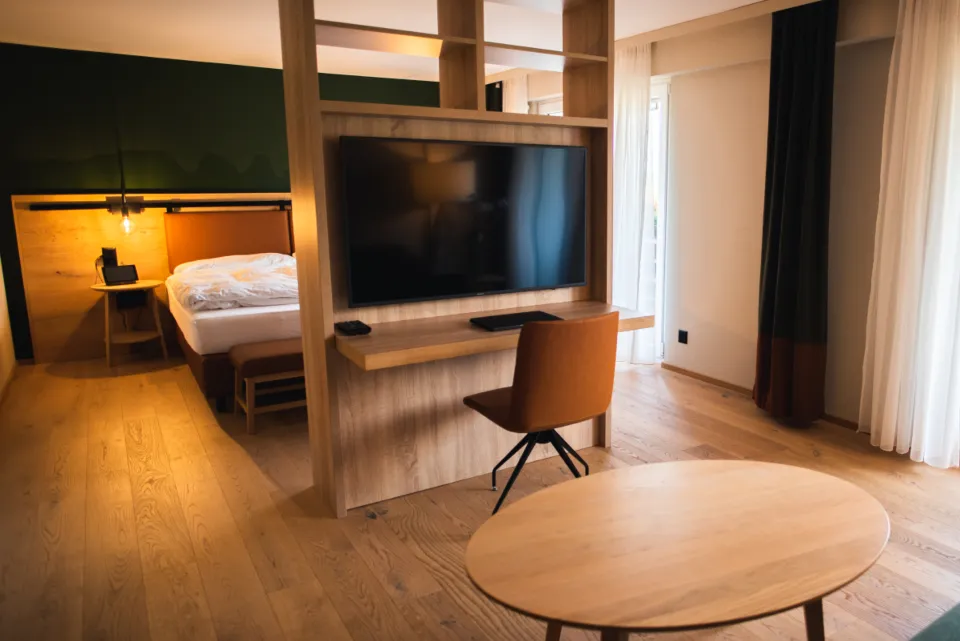
Send footage to staff, insurers, or law enforcement without discs or USB drives.
Smart alerts flag people, vehicles, and unusual movement in the areas you care about and go straight to management or front desk staff.
Saved video in the cloud for up to a year means the clip is still there when a guest complaint, insurance claim, or chargeback comes in weeks later.
How it works
Step 1
Tell us about your locations, your cameras, and the areas you worry about most, like parking, entrances, pools, or back doors.
Step 2
We bring your existing cameras into VideoSafes. No rip-and-replace, and new hardware only if a spot really needs it.
Step 3
Choose who gets alerts and which cameras each manager, front desk team, or security lead can see.
Step 4
Check live video, find incidents by motion event, and share clips with staff, insurers, or police in a click.
Features
No rip-and-replace project. VideoSafes brings the cameras you already have into one app and adds cloud tools to every feed.
Spot people, vehicles, and unusual movement as it happens, with alerts sent to the managers who need to know.
Footage is stored securely in the cloud, so it's ready for dispute resolution and insurance claims.
Cloud storage takes the burden off local recorders, so a damaged or failed box doesn't wipe out your evidence.
Watch, review footage remotely, and manage alerts across all your locations from one place on any device.
When staff can see what's happening and pull the clip right away, they respond sooner and you're better covered when questions come up.
Related insights
Category guide
Keep your cameras or buy new ones? How to choose
A practical buyer guide to cloud video for mixed camera brands versus closed proprietary camera systems, especially for multi-site and property teams.
Buyer guide
Demo checklist: capture your camera environment in 20 minutes
A short preparation checklist so your VideoSafes demo stays focused on real sites, brands, users, and saved-video needs.
FAQ
Common questions teams ask when evaluating VideoSafes for hospitality environments.
In most cases, yes. VideoSafes is built to bring existing cameras into one app, so you avoid a rip-and-replace project. We confirm your cameras before rollout.
You decide. Smart alerts for people, vehicles, and unusual movement can go to managers, the front desk, or your security lead.
Yes. Video is saved in the cloud for up to a year, and clips can be downloaded or shared with staff, insurers, or law enforcement in a click.
Yes. Every property and camera is available from one dashboard on desktop and phone.
Because video is stored in the cloud, footage isn't lost with a damaged or failed recorder.

Whether you run one inn or a group of hotels and venues, tell us about your property and cameras and we'll tailor a plan that fits.