

01
Understand your sites.
Map sites, camera counts, major brands, local recorder limits, user roles, and the review steps that matter most.
Our Approach
VideoSafes online demos start with your real setup: locations, camera brands, saved-video goals, users, and the places where local systems slow people down.

Method
The goal is to make the evaluation concrete before anyone talks about a broad rollout. Each step keeps the conversation tied to real sites and useful results.
01
Map sites, camera counts, major brands, local recorder limits, user roles, and the review steps that matter most.
02
Validate which existing cameras can support VideoSafes cloud access before recommending any hardware refresh.
03
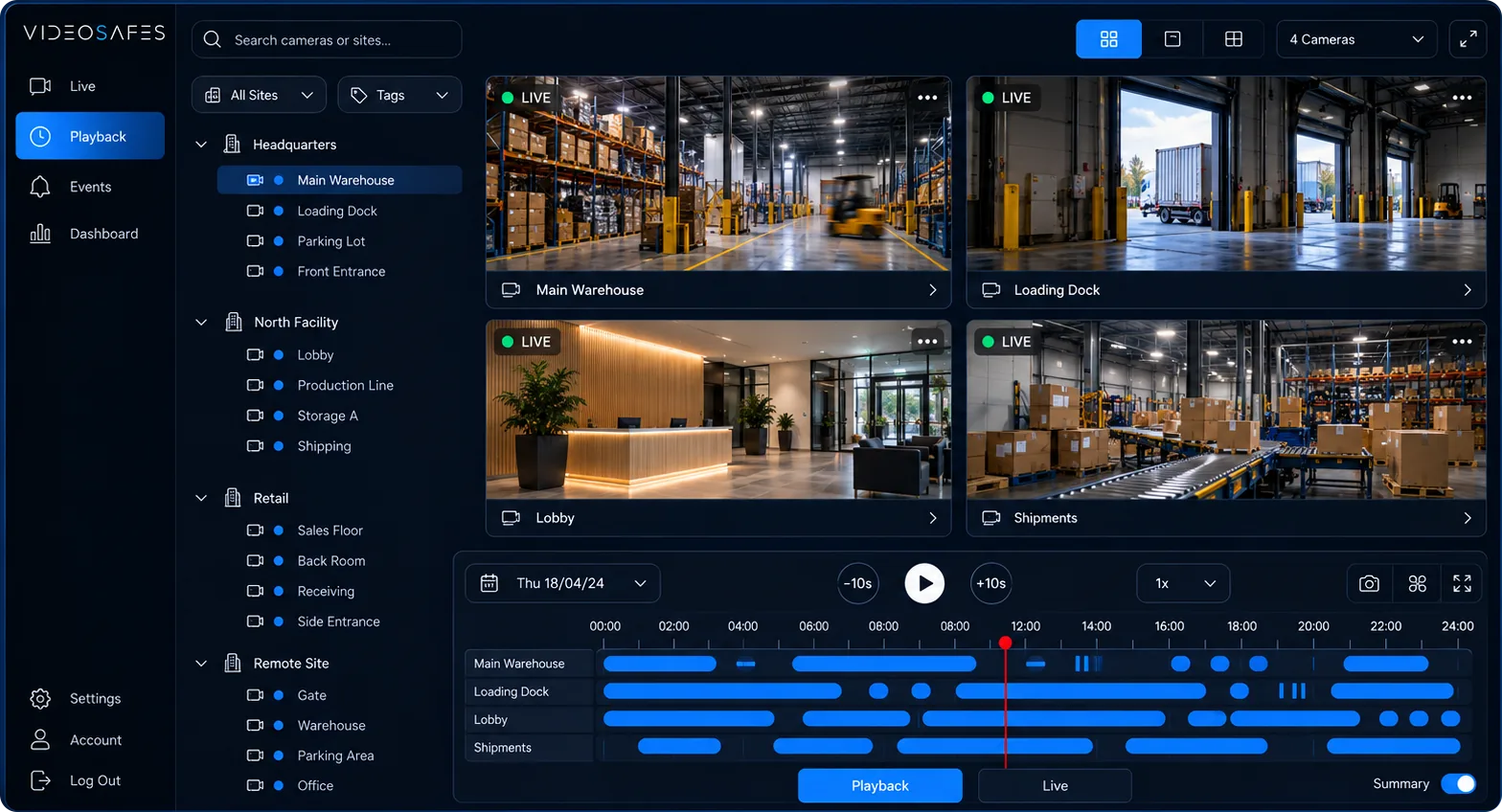
Plan the route from local systems into one place for live access, recorded review, and site navigation.
04
Plan saved video by days, sites, recording style, and responsibilities so the plan matches how teams actually use video.
05
Help users move into the new process, then suggest new equipment only when a building really needs it — planned with you or your installer.
Online demo checklist
A focused online demo should answer how VideoSafes fits your sites, not just show generic screens.
Practical boundaries
No forced camera swap when existing equipment can support the cloud plan.
No public storage math in place of saved-video planning.
No claim that we stock or ship cloud adapters as boxed product.
No aggressive hardware catalog pitch before compatibility is understood.
Continue evaluating
FAQ
Short answers about evaluation, saved-video planning, existing cameras, and who should join an online demo.
No. A practical view of your sites, camera brands, priority locations, and saved-video goals is enough to start a useful online demo.
No. The evaluation starts with cameras already in place. Replacement hardware is only discussed when a site needs new cameras or a new recorder.
Saved video is planned around days, locations, recording style, and review needs so teams can choose a plan that matches real use instead of a generic storage calculation.
The best sessions include someone who understands the cameras and someone responsible for day-to-day video use, such as property operations, facilities, security, or regional management.

Bring your sites and camera brands. We will map the next practical step.