


Multi-Location Coordination
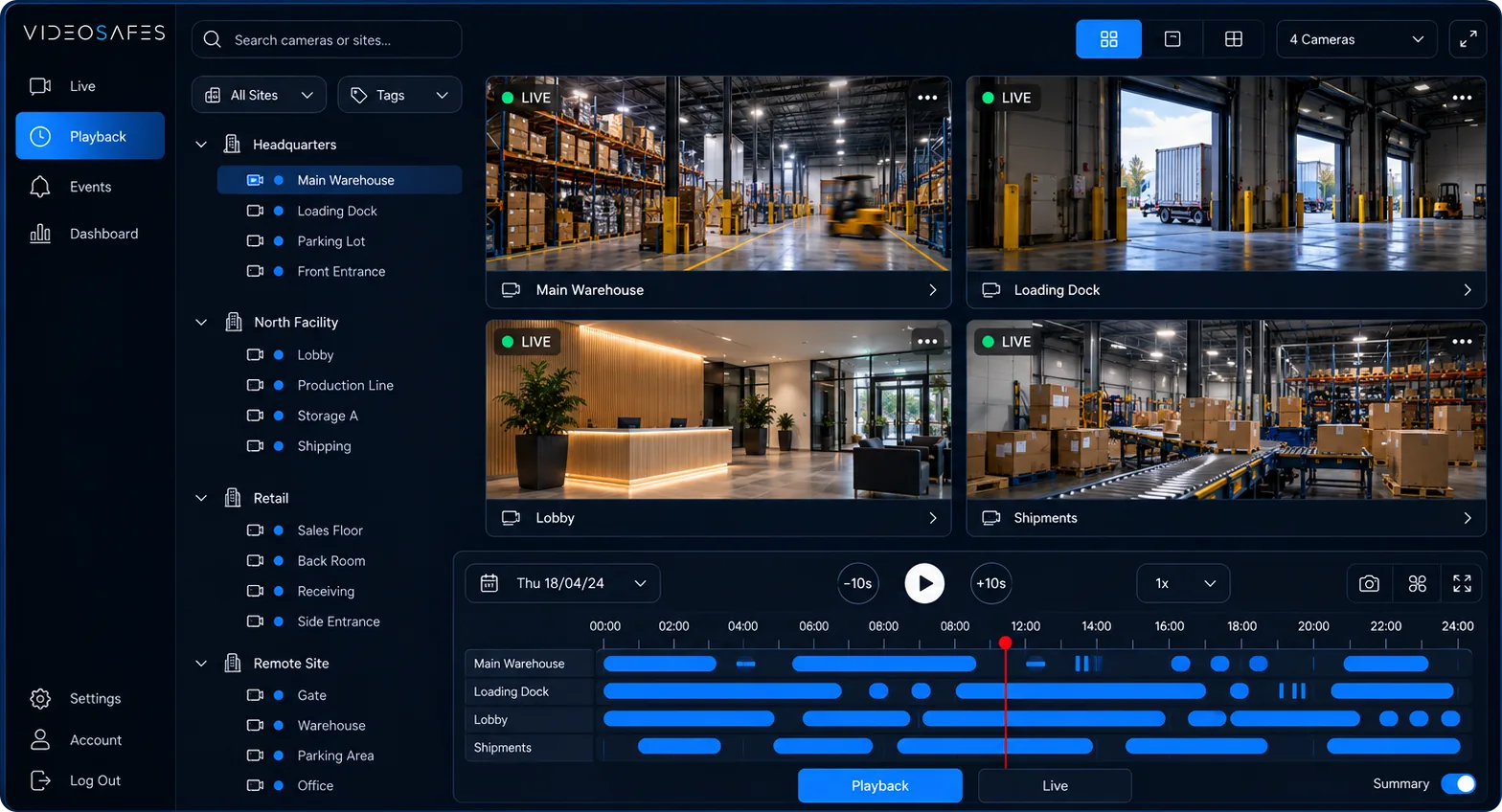
See all locations first, then drill into the exact site and camera you need.
Solutions
Use VideoSafes to make existing cameras easier to access, save footage longer, and bring different camera brands into one view. Start with the sites that need help first, then expand.

Overview
Each solution connects a real need to the tools VideoSafes provides: smart motion AI, cloud alerts, longer saved video, and one place to review footage.
See all locations first, then drill into the exact site and camera you need.
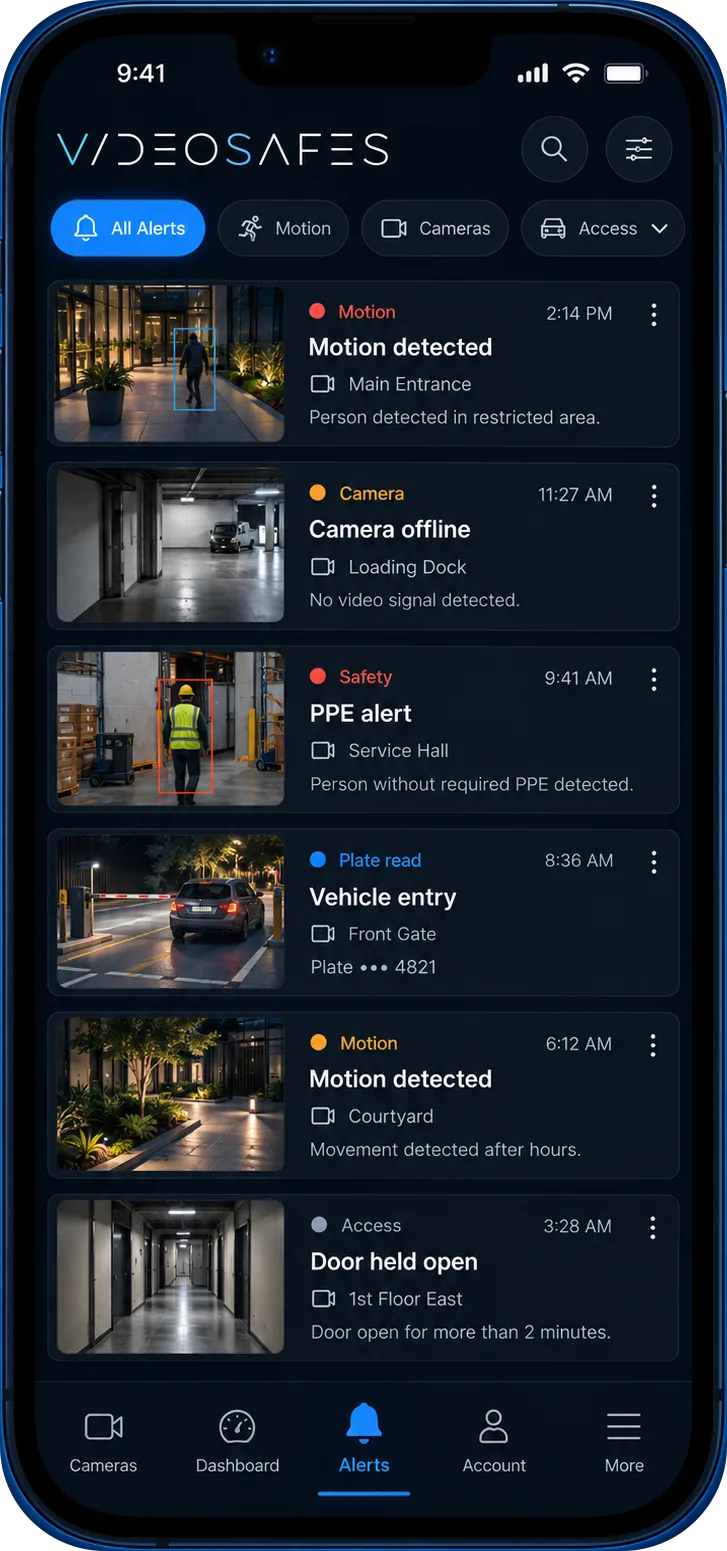
Use smart motion AI, alerts, and playback tools to find the right footage faster after an event.
Confirm priority sites, camera brands, saved-video needs, and rollout steps before expanding.
When aging cameras or recorders are the bottleneck, we help you choose new cameras or links for older ones, with you or your installer.
Explore →
Give users one simpler place to work instead of a separate system for every camera brand.
See use cases, problems solved, and how it works for property management, hospitality, and every other sector we serve.
Explore →
How it fits
Distributed teams
Give regional and central teams a common way to view video and support local site teams.
Incident review
Organized access, smart motion AI, and playback help teams review routine incidents with fewer disconnected steps.
Rollout
an online VideoSafes demo begins with your current cameras and the sites that matter most.

Tell us how your locations use video today and where cloud access could make the work easier.