

Shared logins hide who did what
Without a login and access record, it is hard to know which team member reviewed or exported a specific clip.
Included with every plan
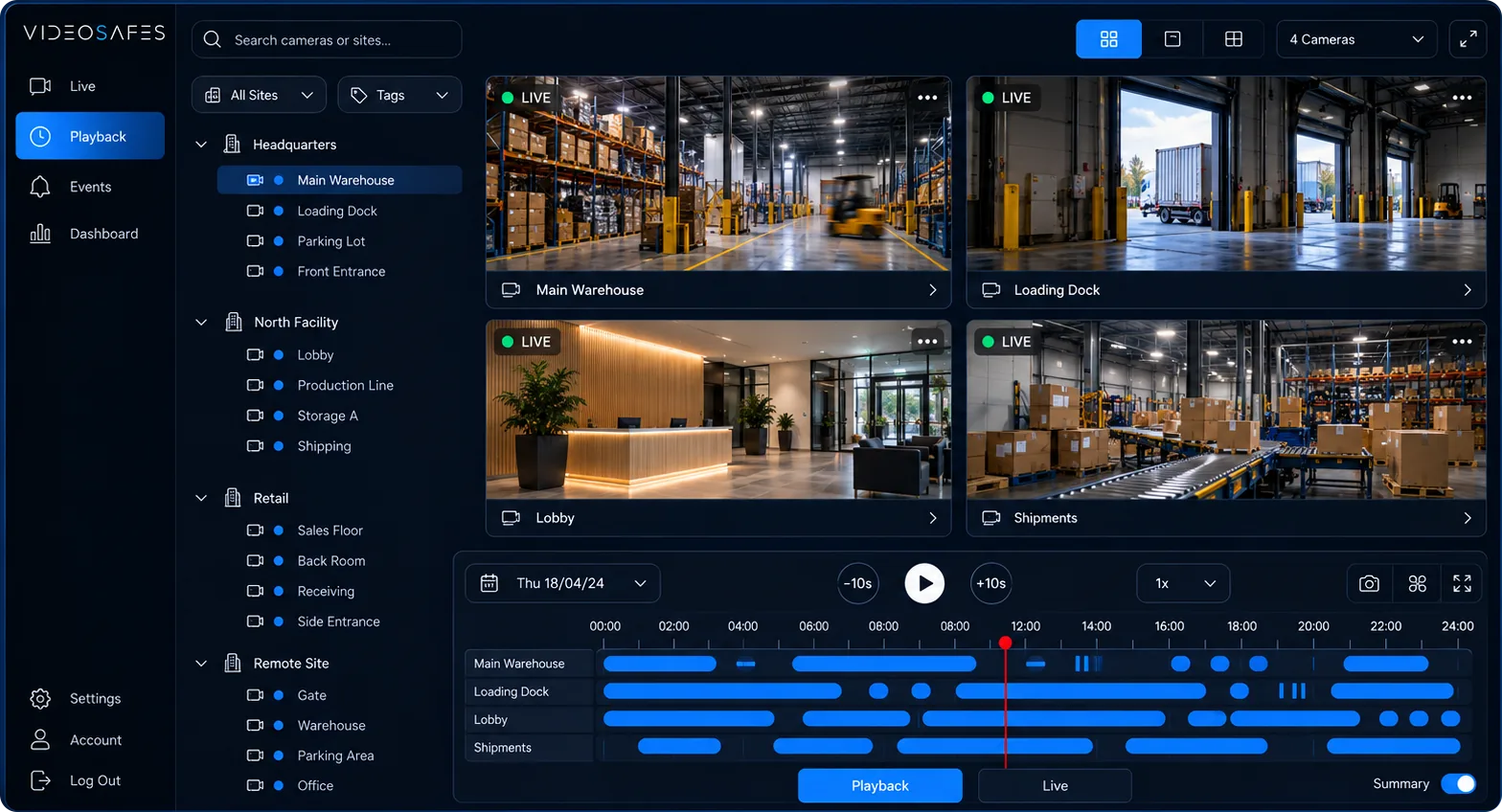
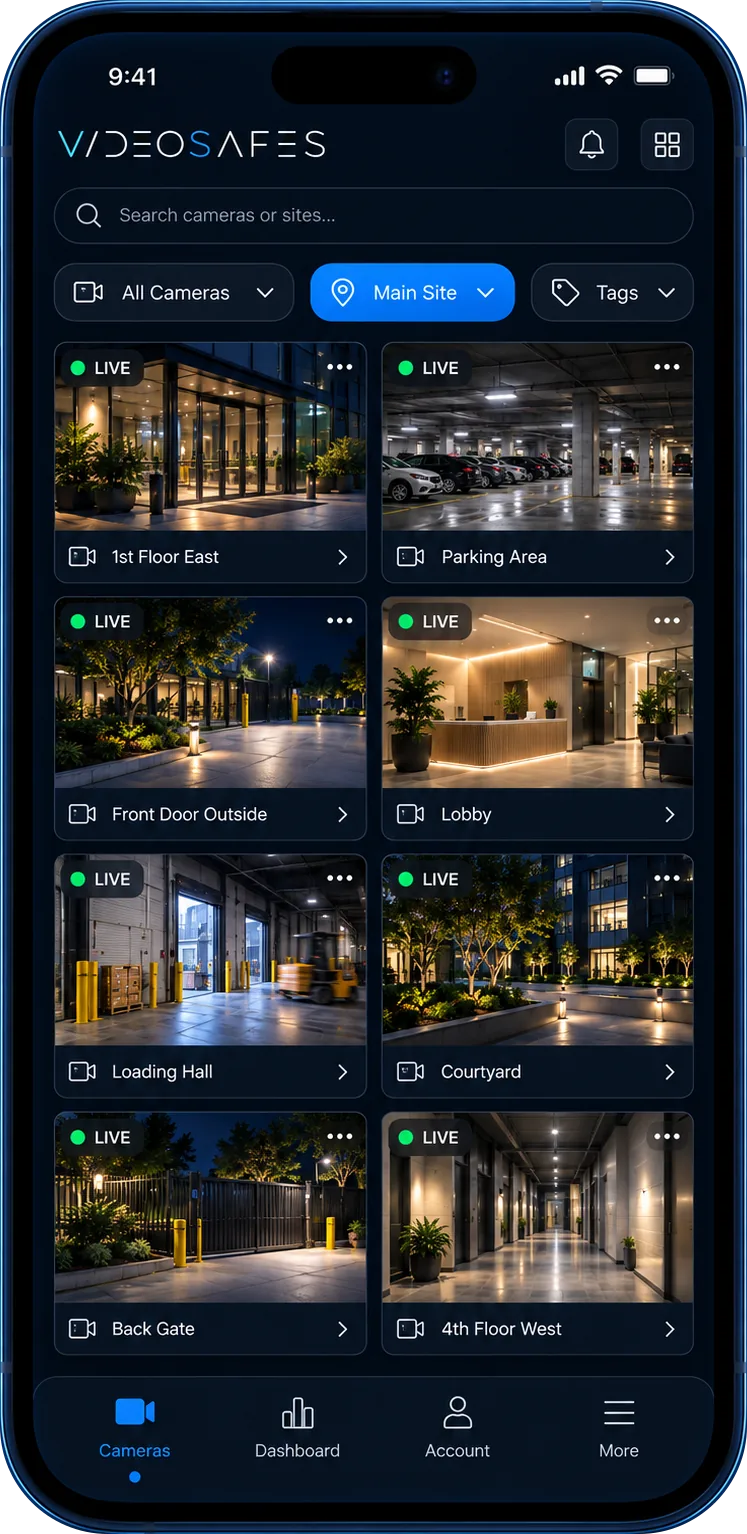
Audit Logs give administrators a built-in record of logins and video access across the platform. When a question comes up about who reviewed a clip, exported footage, or accessed a specific site, the answer is a search away instead of a guess.
The problem
Without a login and access record, it is hard to know which team member reviewed or exported a specific clip.
Incident and HR-related video often needs a clear record of who viewed it, not just who had permission to.
As more people gain access across more sites, keeping a manual record of logins and views quickly becomes unmanageable.
How it works
Every login to the platform is logged with the account and timestamp, building a running record without extra setup.
Access to live and recorded video is logged so administrators can see which accounts viewed which cameras or clips.
Search the log by account, date range, or site to answer access questions quickly instead of relying on memory.
Use cases
Confirm exactly who reviewed footage tied to an HR matter, injury, or other sensitive incident.
Track access across a growing portfolio of sites so administrators keep visibility as the team grows.
Use login and access history to support internal policy reviews or external compliance questions.
What you get
See every login to the platform by account and timestamp, without needing to configure anything extra.
Know which accounts viewed which cameras, clips, or sites, and when they did it.
Search the log by account, date range, or site instead of relying on team members to self-report activity.
Audit Logs are a built-in part of VideoSafes administration, not a separate add-on to configure.
Good to know
FAQ
Common questions teams ask when evaluating Activity History (Audit Logs) for VideoSafes.
No. Audit Logs for login and access activity are included as a built-in part of VideoSafes administration.
Logins to the platform and access to live or recorded video are logged, including the account and timestamp, so administrators can review who used the system and when.
Administrator-level accounts can search and review the audit log. Access follows the same role-based permissions used across the rest of the platform.
Log history generally follows the same saved-video planning discussed for your account. An online demo can confirm specifics for your plan.
Related features
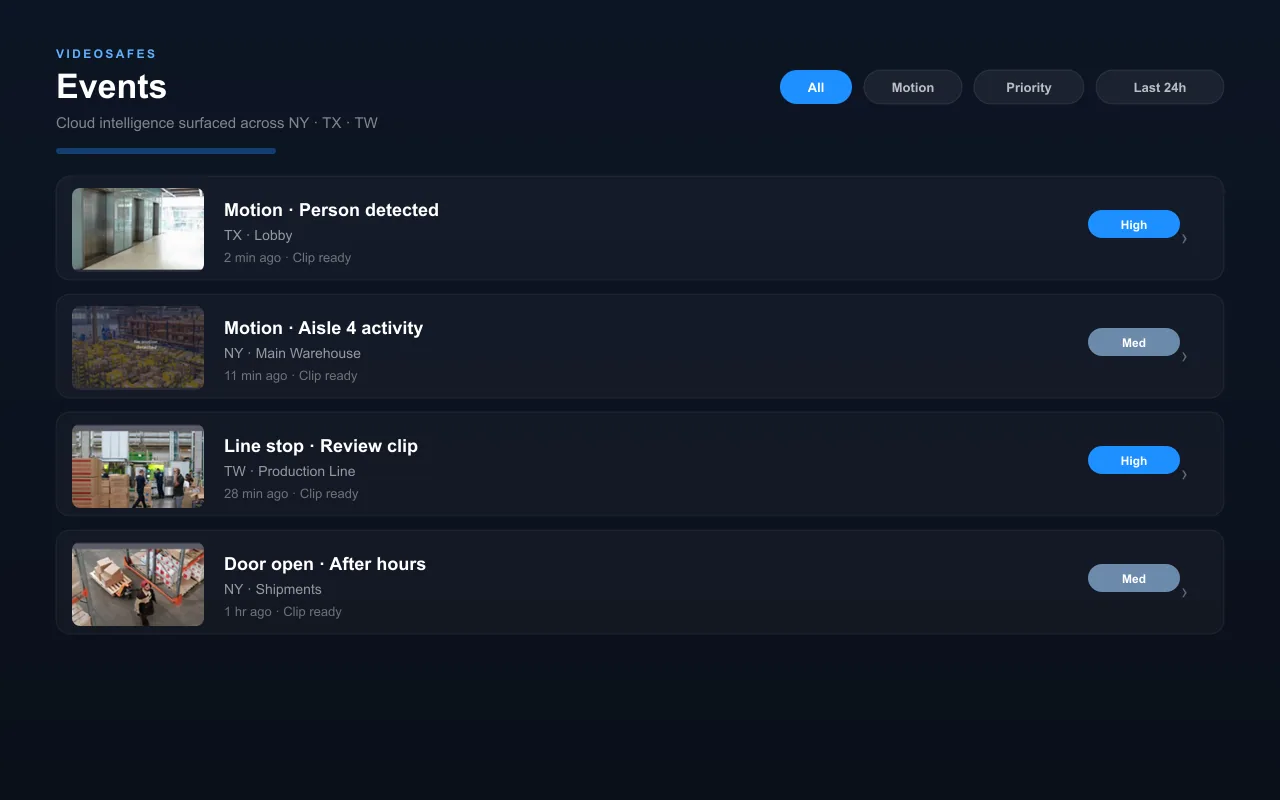
Smart Motion AI
Classify motion as people, vehicles, or animals so teams can skip past irrelevant activity and review the moments that matter.

People Counting
Track how many people move through doors, floors, or zones over time to support staffing, capacity, and traffic decisions.
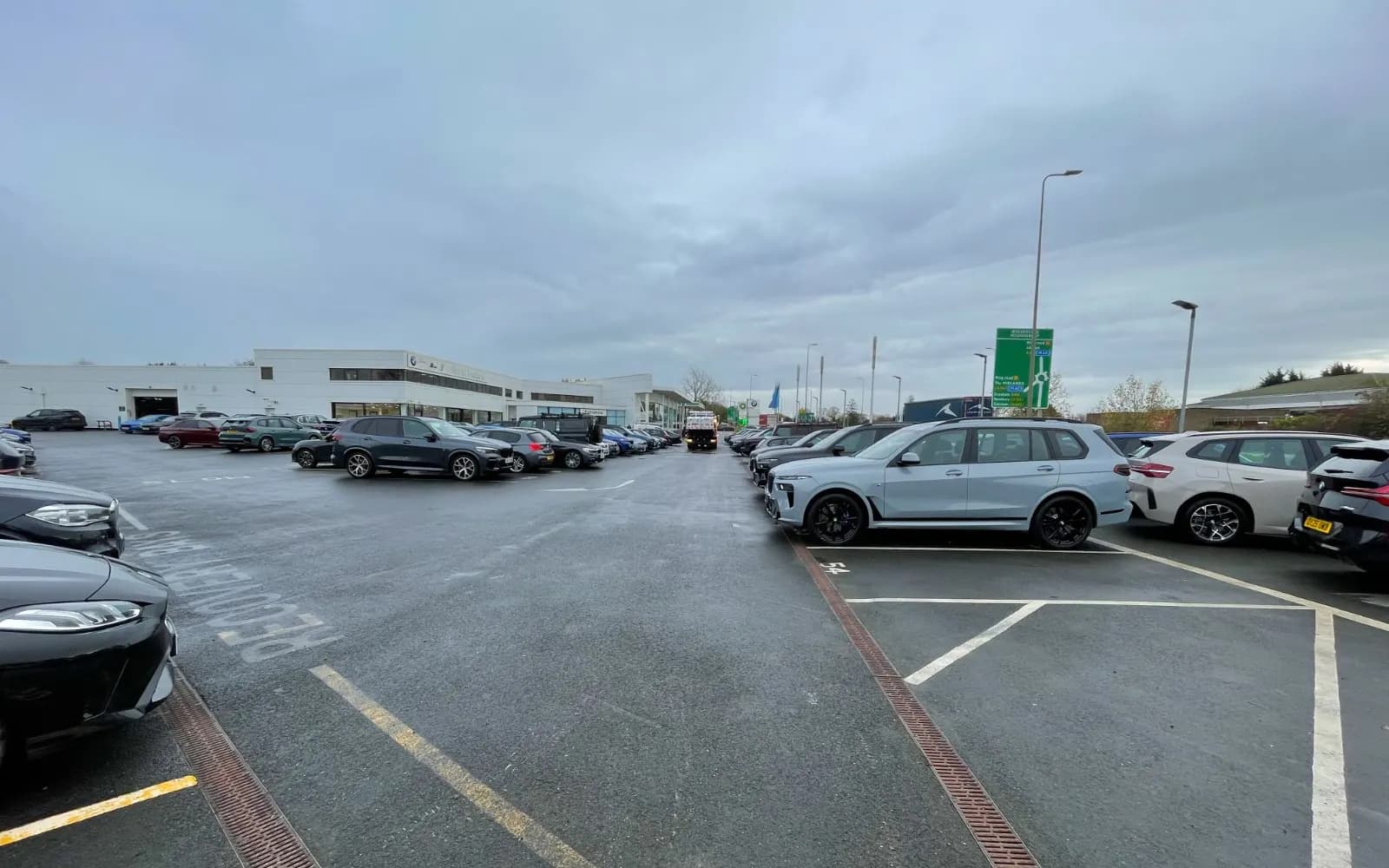
Plate Reading
Read and log vehicle plates at entrances and lots so teams can search by plate instead of scrubbing through video.

Tell us how many administrators and sites you manage. We’ll walk through how login and access history works for your setup.