

Every gust of wind is an event
Standard motion detection reacts to shadows, weather, and small animals as often as it reacts to real activity, so teams learn to ignore alerts.
Included with every plan
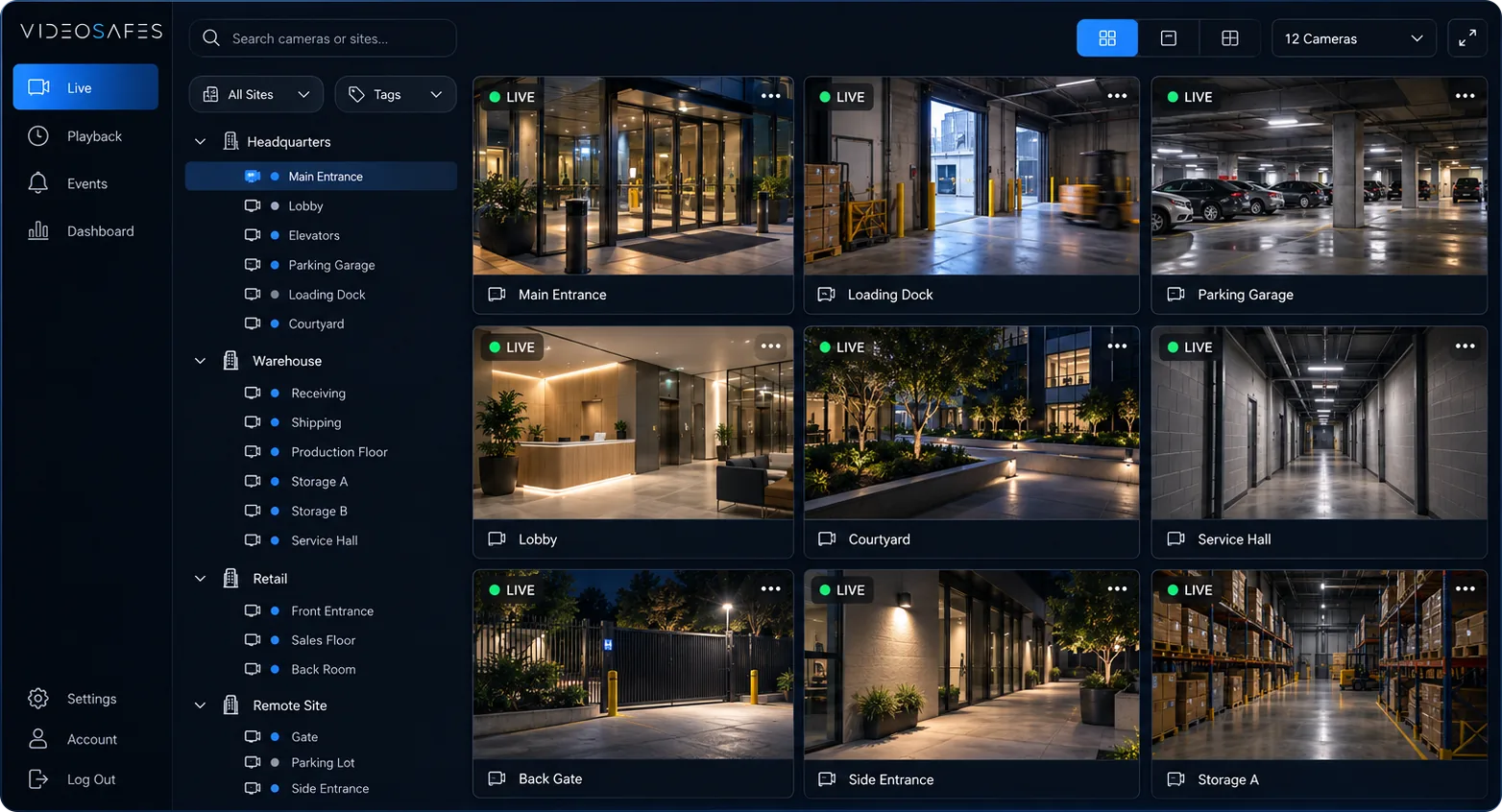
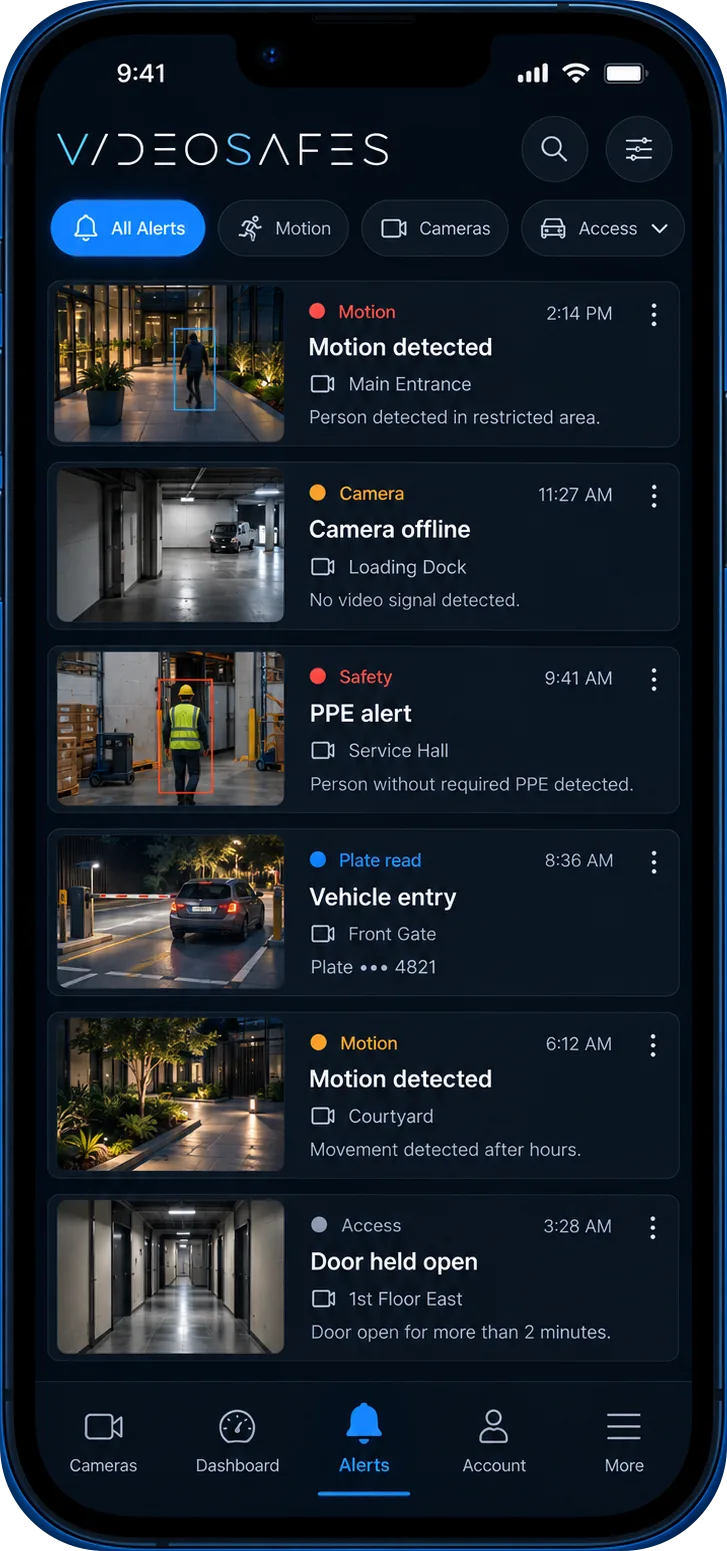
Smart Motion AI reviews motion on connected cameras and sorts it into people, vehicles, and animals. Instead of scrubbing through long clips of blowing leaves or passing headlights, teams can jump straight to the activity worth checking.
The problem
Standard motion detection reacts to shadows, weather, and small animals as often as it reacts to real activity, so teams learn to ignore alerts.
Without a way to sort motion by type, finding the ten seconds that matter can mean scrubbing through an hour of recorded video.
A parking lot cares about vehicles, a lobby cares about people, and a yard cares about all three. One flat alert type does not fit every camera.
How it works
Connected cameras keep recording normally. Smart Motion AI reviews the motion that is already there rather than replacing your cameras or recorders.
Motion is sorted into people, vehicles, and animals so teams can filter what they see instead of reviewing everything in one long timeline.
Search and review tools let approved users pull up just the people activity, just the vehicle activity, or everything at once.
Use cases
Filter overnight motion down to people activity so a five-minute review replaces an hour of scrubbing.
Separate vehicle motion from pedestrian activity to review deliveries, drive-offs, or lot activity on its own.
Keep animal activity from crowding out the people and vehicle events that need a closer look.
What you get
Motion is sorted into three practical categories so review tools can filter by what actually matters at each site.
Smart Motion AI runs on top of camera feeds already connected to VideoSafes, so most sites do not need new hardware to get started.
Move from a reported incident to the right clip with fewer minutes spent scrubbing through unrelated motion.
Smart Motion AI is the base that license plate recognition, people counting, and PPE detection build on when a site needs more.
Good to know
FAQ
Common questions teams ask when evaluating Smart Motion AI for VideoSafes.
Most sites can use Smart Motion AI on cameras already connected to VideoSafes. An online demo confirms which existing cameras are a good fit based on placement and image quality.
It sorts detected motion into people, vehicles, and animals so teams can filter review by category instead of watching every recorded event in order.
No. Smart Motion AI is the base classification layer. License plate recognition, people counting, and safety PPE detection are optional add-ons that build on it for sites that need deeper analytics.
No. It works alongside your existing recording setup and connected cameras to add classification and faster review, not to replace how footage is captured.
Related features
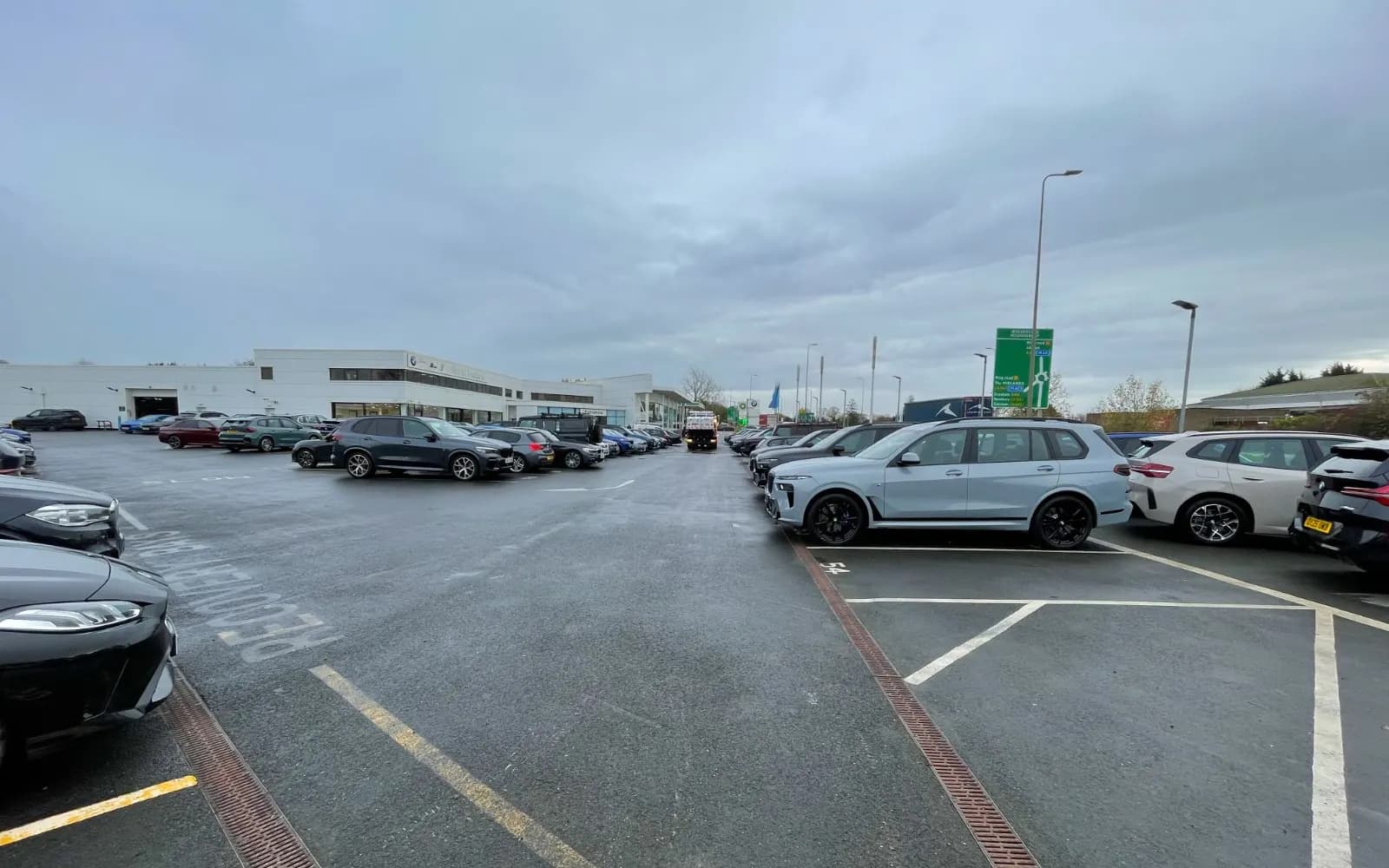
Plate Reading
Read and log vehicle plates at entrances and lots so teams can search by plate instead of scrubbing through video.
People Counting
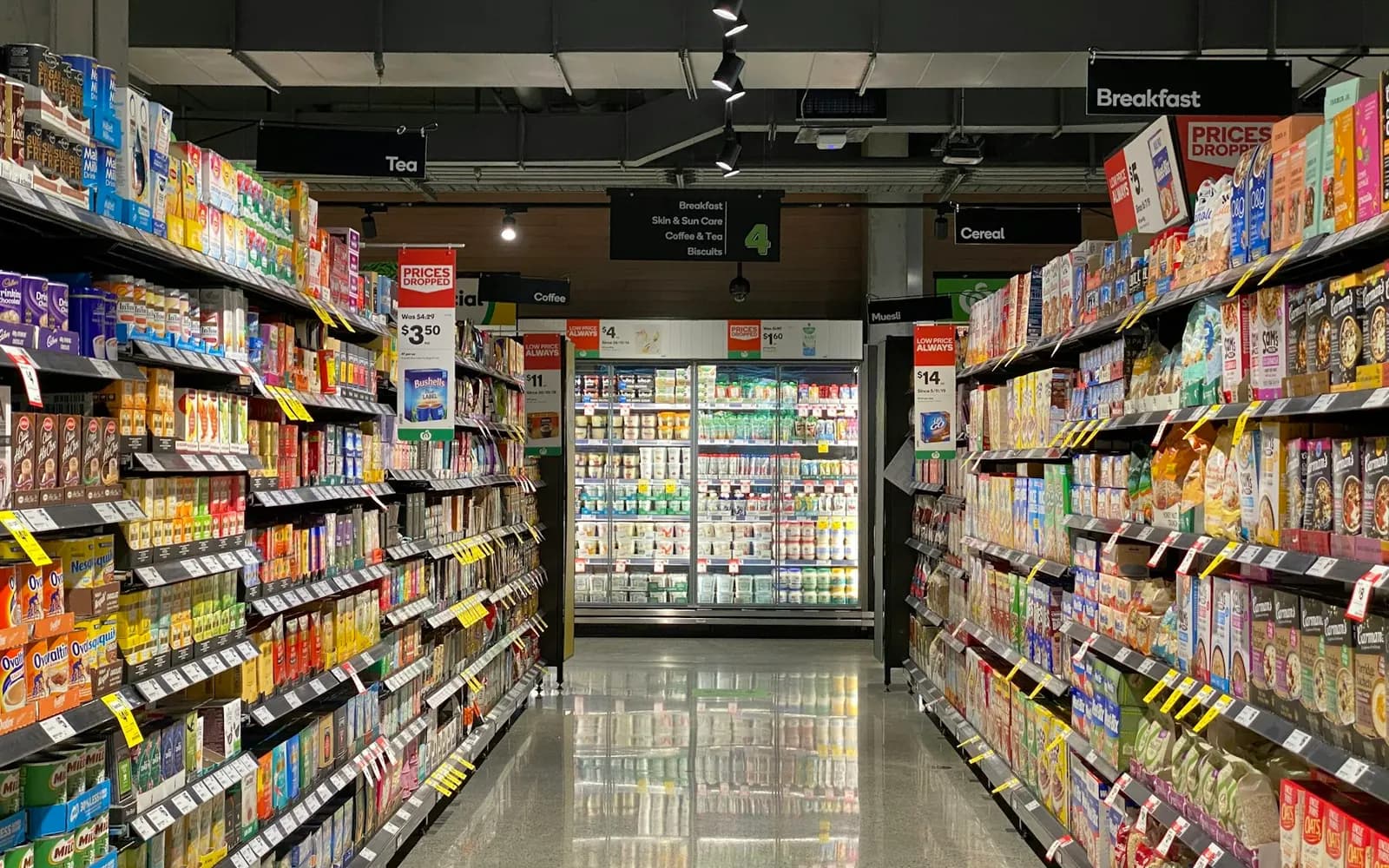
Track how many people move through doors, floors, or zones over time to support staffing, capacity, and traffic decisions.
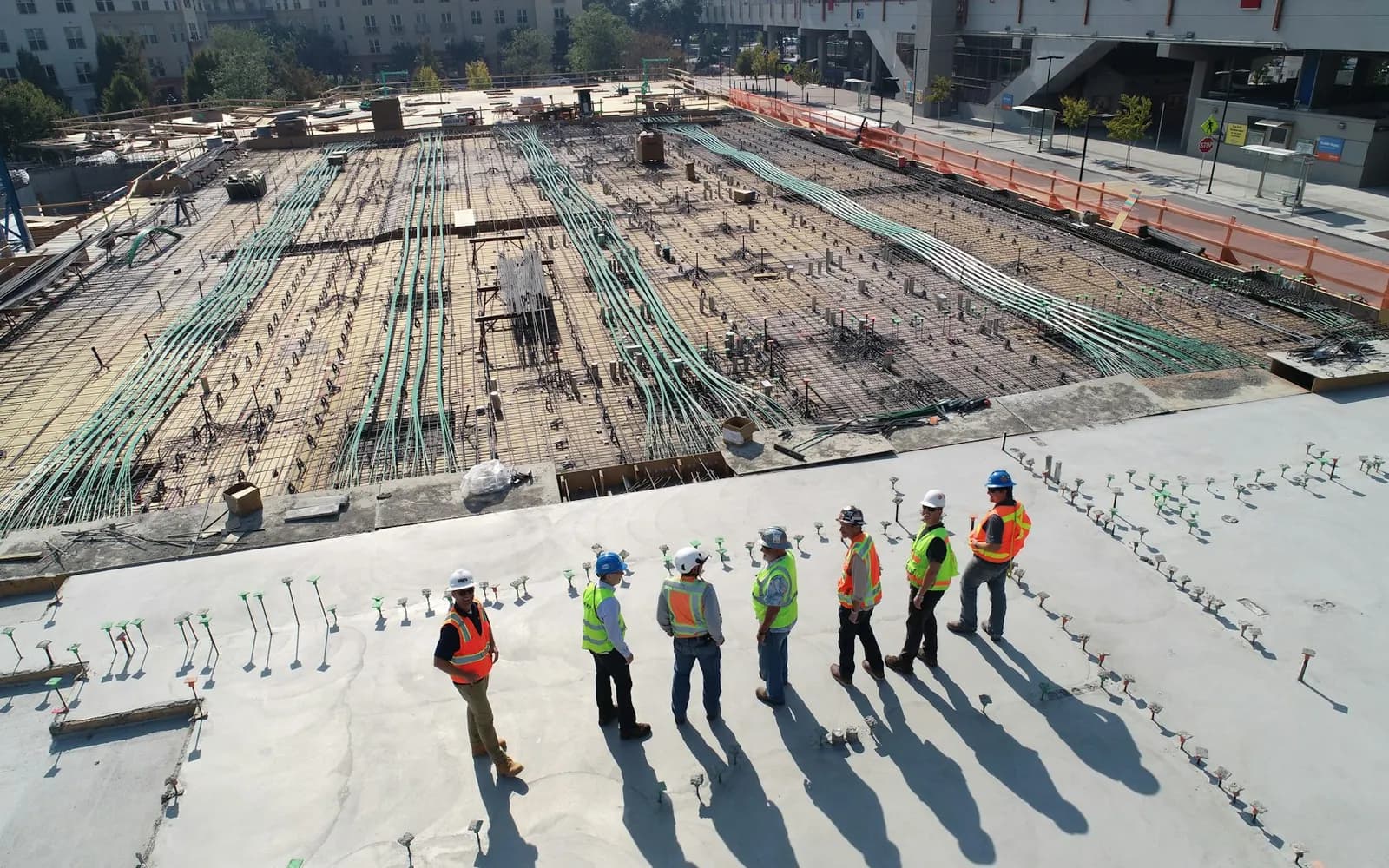
Safety Gear (PPE) Detection
Flag missing hard hats, vests, or other required gear in covered work zones to support daily safety checks.

Bring your camera brands, site layout, and the incidents you review most. We’ll show how classification narrows review time in a live online demo.