Welcoming by design
Entrances are open to the public during services and events, and the team watching them is often small or volunteer.
Places of Worship
Churches, synagogues, mosques, and temples welcome people in. VideoSafes gives staff and volunteers a simple way to see entrances, parking, and the building, during services and when it's empty.
Industry overview
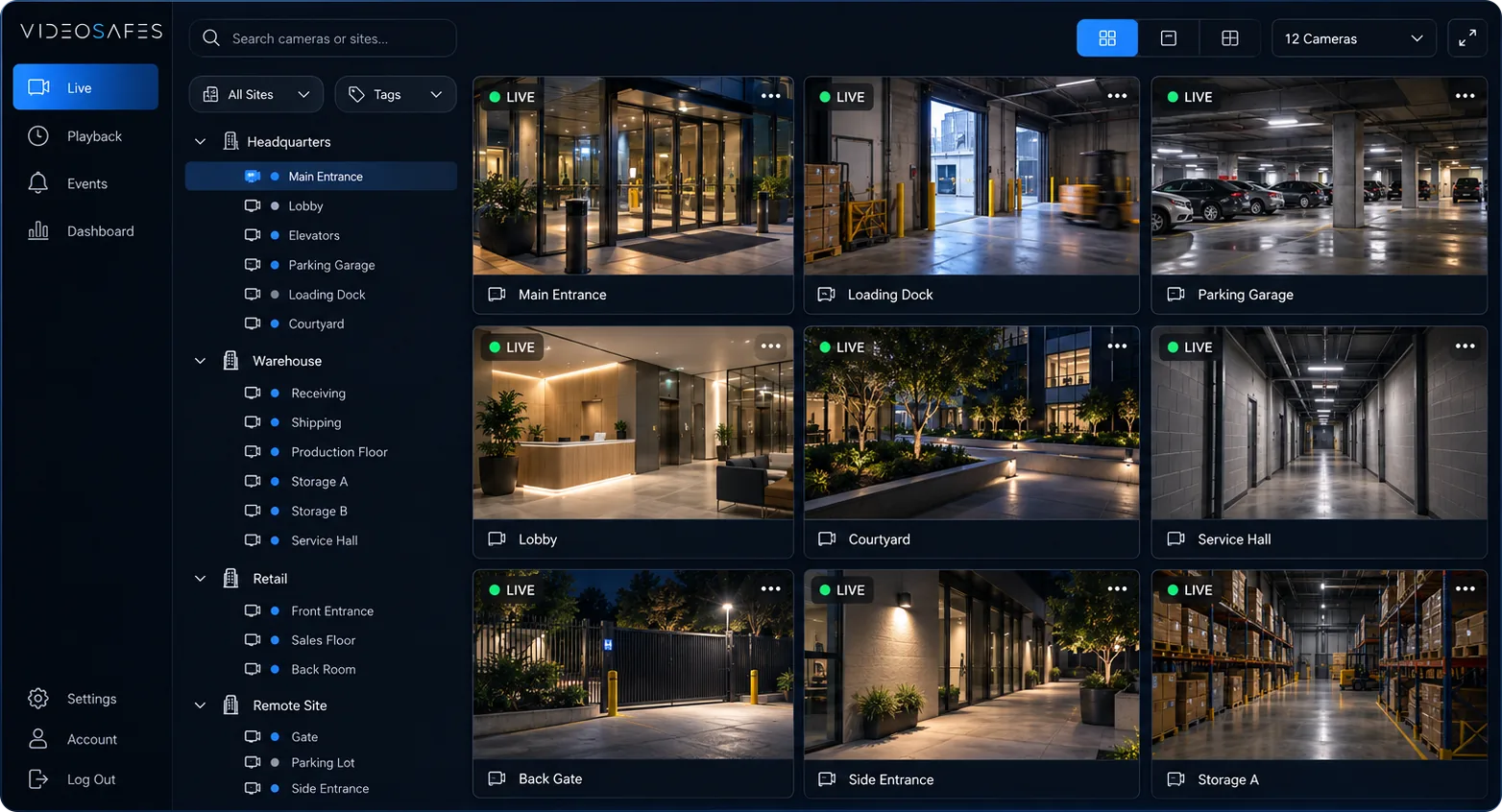
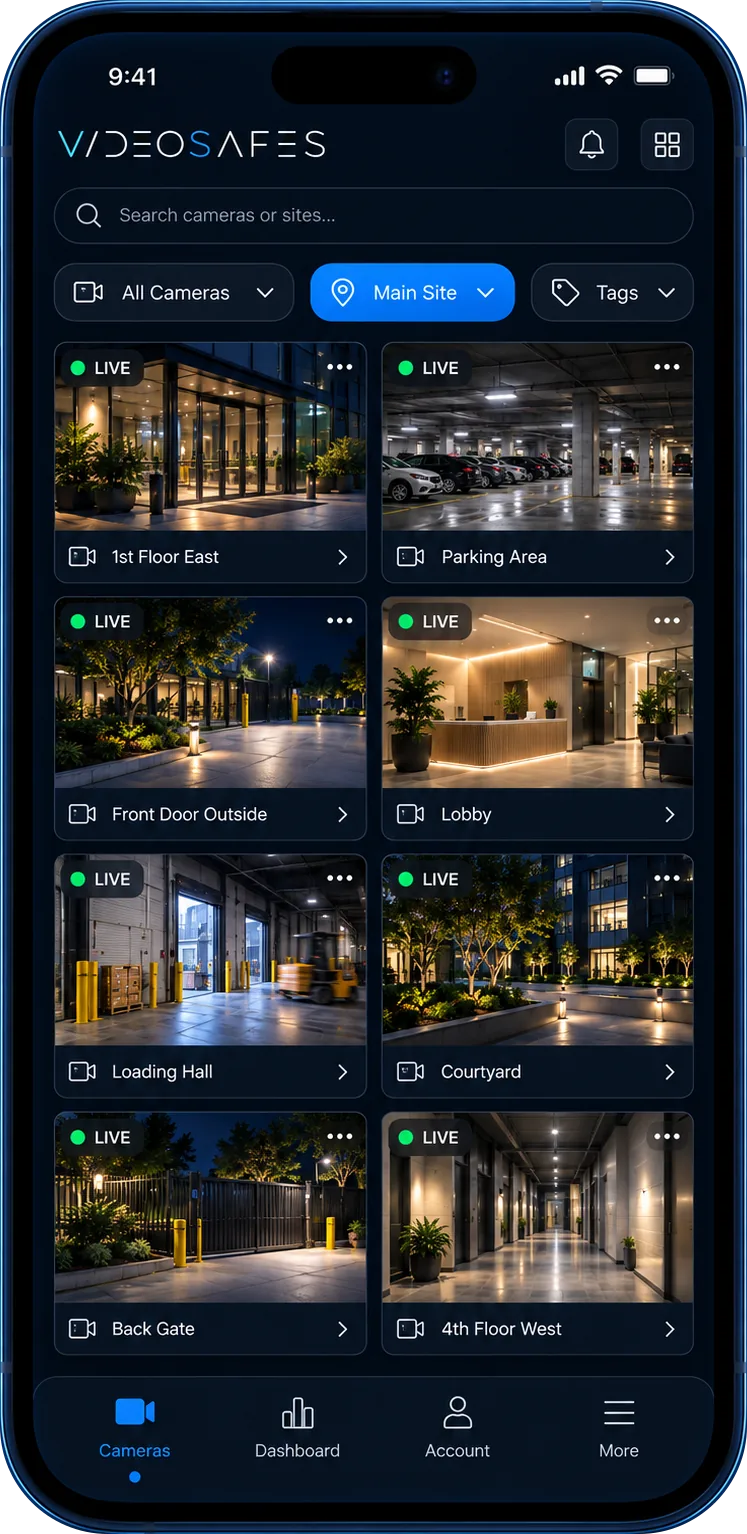
Places of worship are open by design, and the people keeping them safe are often staff and volunteers. VideoSafes gives them one simple app to check entrances, parking, and the building from anywhere.
Smart alerts cover the quiet days between services, and saved video is there if something needs to be reviewed or shared with police or insurers.
Bring to your demo
Problems we solve
Entrances are open to the public during services and events, and the team watching them is often small or volunteer.
Buildings can sit empty for days, which leaves property, equipment, and valuables exposed.
Clergy, staff, facilities, and safety volunteers all need some access, without handing out one shared password.
Use cases
Let your safety team check entrances and parking from a phone while services and events are underway.
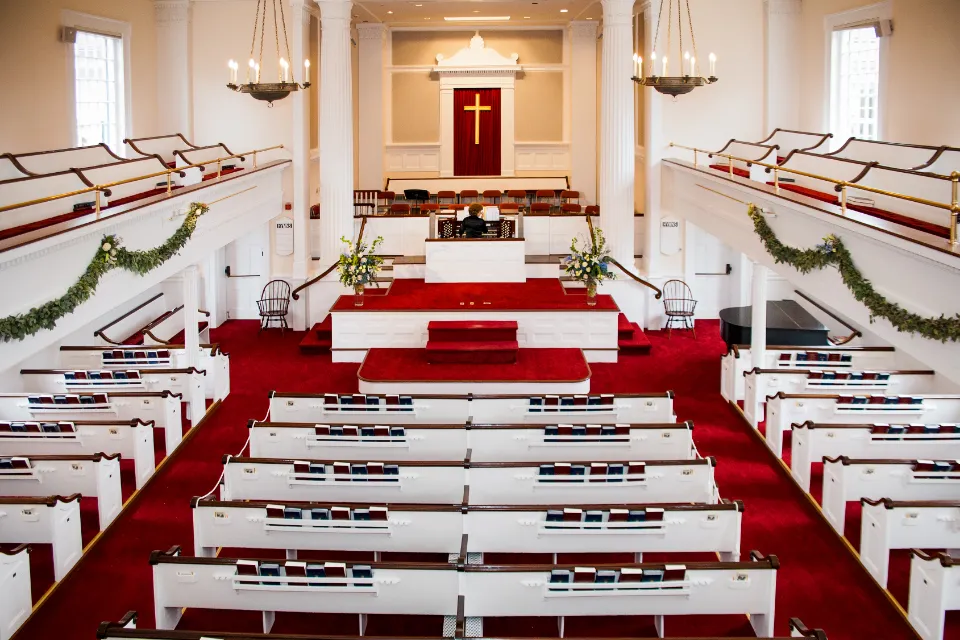
Smart alerts flag people and vehicles after hours, so you hear about activity when no one is there.
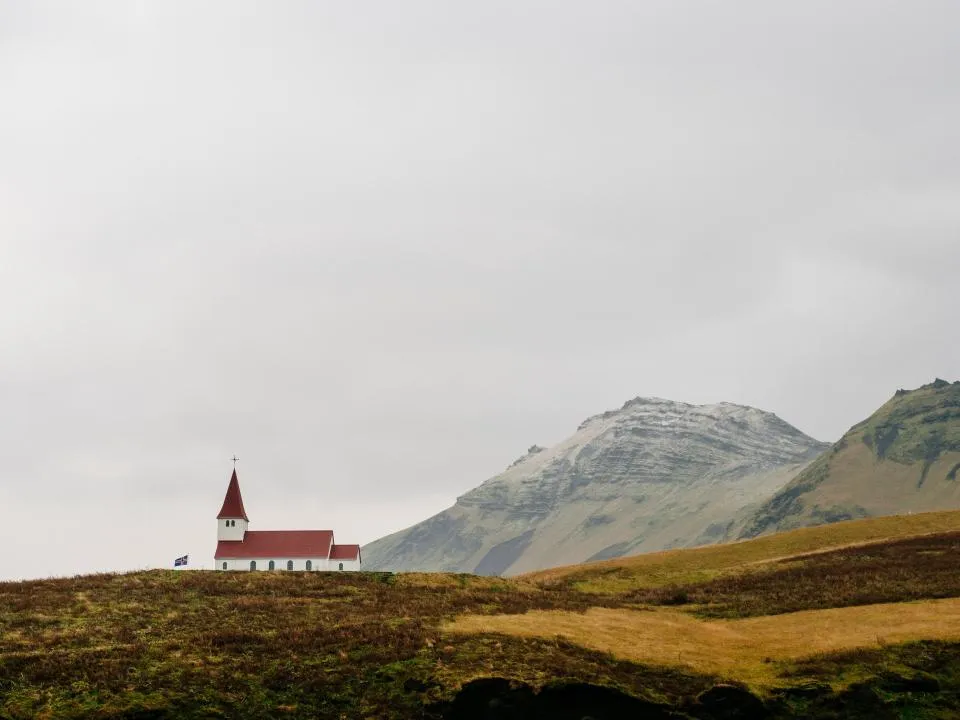
Find the moment quickly and share the clip with leadership, insurers, or police without a trip to the recorder.
How it works
Step 1
Share your locations, the cameras or recorders you have, and who on your team needs access.
Step 2
We bring existing cameras into VideoSafes. New hardware only where a camera or link really needs it.
Step 3
Choose who gets smart alerts, how long video is kept at each site, and which cameras each person can see.
Step 4
Use one app on desktop or phone for live view, playback, and sharing clips across every location.
Features
One app on desktop and phone, so safety volunteers don't need training on a complicated recorder.
Give each staff member or volunteer their own login and remove access when roles change.
Bring existing cameras into VideoSafes instead of paying for a full replacement.
Congregations with more than one building or campus can see them all from one account.
Related insights
Category guide
Keep your cameras or buy new ones? How to choose
A practical buyer guide to cloud video for mixed camera brands versus closed proprietary camera systems, especially for multi-site and property teams.
Buyer guide
Demo checklist: capture your camera environment in 20 minutes
A short preparation checklist so your VideoSafes demo stays focused on real sites, brands, users, and saved-video needs.
FAQ
Common questions teams ask when evaluating VideoSafes for places of worship environments.
Yes. Volunteers use one app on their phone or computer, with their own login, instead of learning a recorder.
Yes. Smart alerts for people and vehicles can notify the staff or volunteers you choose, including after hours.
Yes. Each person gets their own access, and you can remove it any time roles change.

Tell us about your building, your cameras, and who helps keep it safe. We'll show you how VideoSafes would work for your team.