

Schedule a demo
Talk to us for pricing.
Tell us about your properties and how long you want video saved, and we'll suggest a plan and price it on a short online demo.
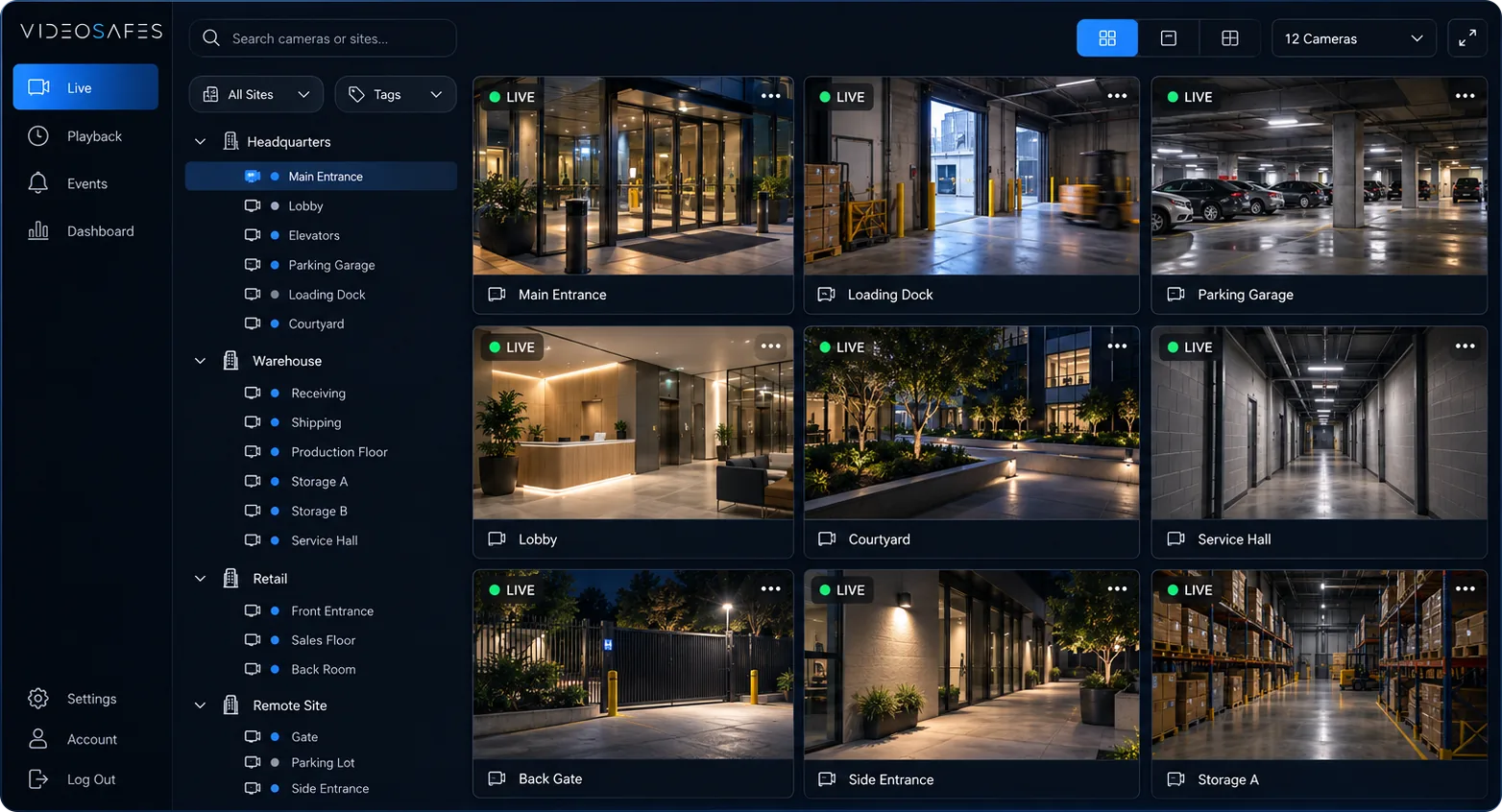
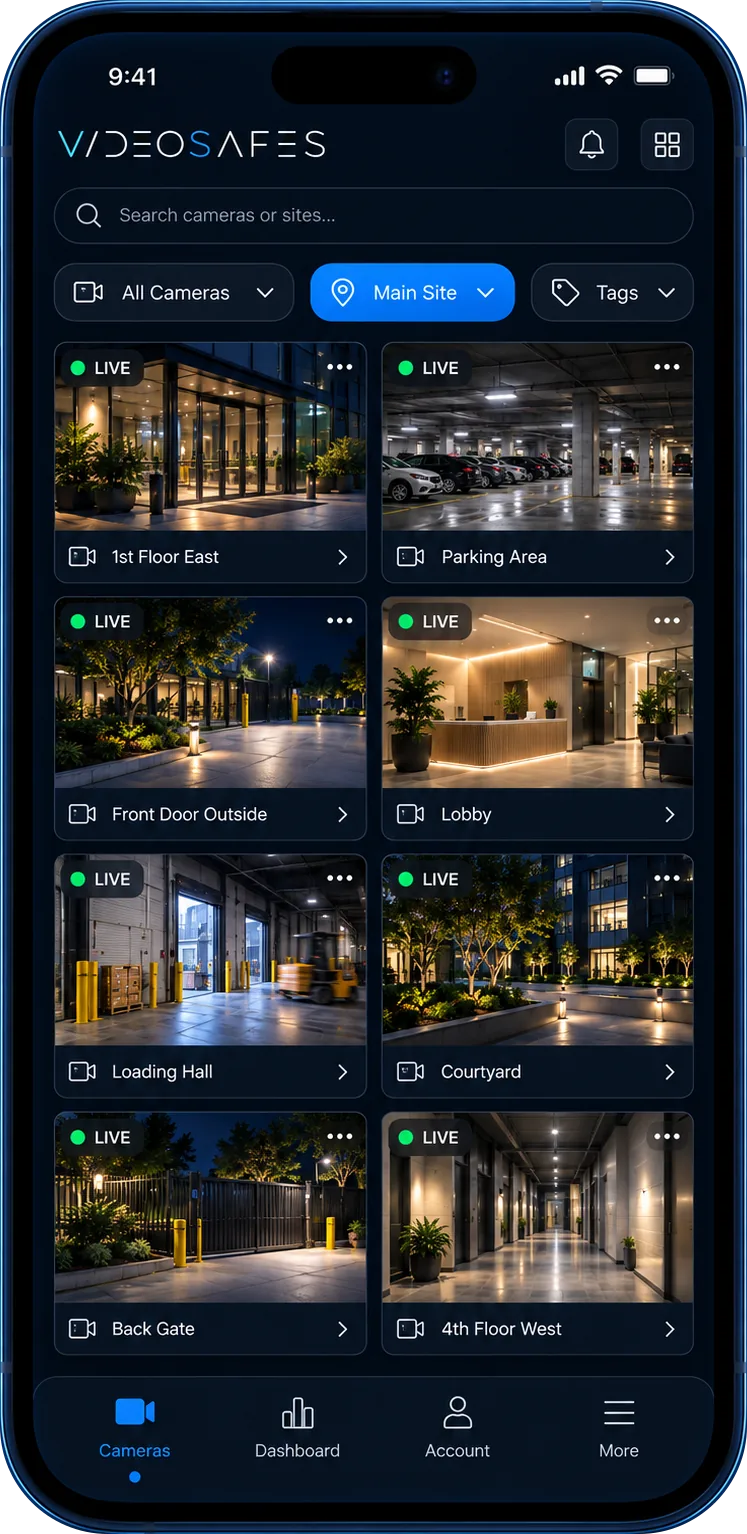
How it works
What to bring
- The camera brands you have, if you know them
- Roughly how many properties, and which matter most
- How your team checks video today
- How long you'd like video kept
- Optional: plan helper result attached to this form
FAQ
Demo questions
What to expect from a VideoSafes demo.
Is the demo online or on-site?
Demos are live online sessions. We screen-share the VideoSafes platform and walk through your use cases. No site visit is required to evaluate product fit.
What should we prepare for an online demo?
Bring a rough view of your locations, camera brands, who needs access, how teams review footage today, and any saved-video or incident-review needs you want to evaluate.
How long is a typical online demo?
Most sessions focus on the tasks that matter to your team: live access, playback, incident review, saved-video planning, and multi-site navigation.
Do we need a perfect camera inventory first?
No. A practical estimate of sites, brands, and priority locations is enough to make the conversation useful. Exact counts can be refined later.
Can the demo focus on our industry?
Yes. Tell us your industry and how your team uses video so the online demo can focus on the locations, roles, and review scenarios that matter most.
Do you ship cloud adapters for the demo?
No. Online demos show the software. If a building later needs a small box to link its cameras, we help you choose the right equipment and plan it with you or your installer.